


Ask about Mid4000 White Gaming PC Intel Core i5-14600KF RTX 4060 16GB RAM 500GB NVMe SSD + 4TB HDD Windows 11 Pro Grade A
This refurbished Urban Technologies Mid4000 White gaming PC has been fully tested by our technicians and includes a licensed copy of Windows 11 Pro with the necessary drivers installed.
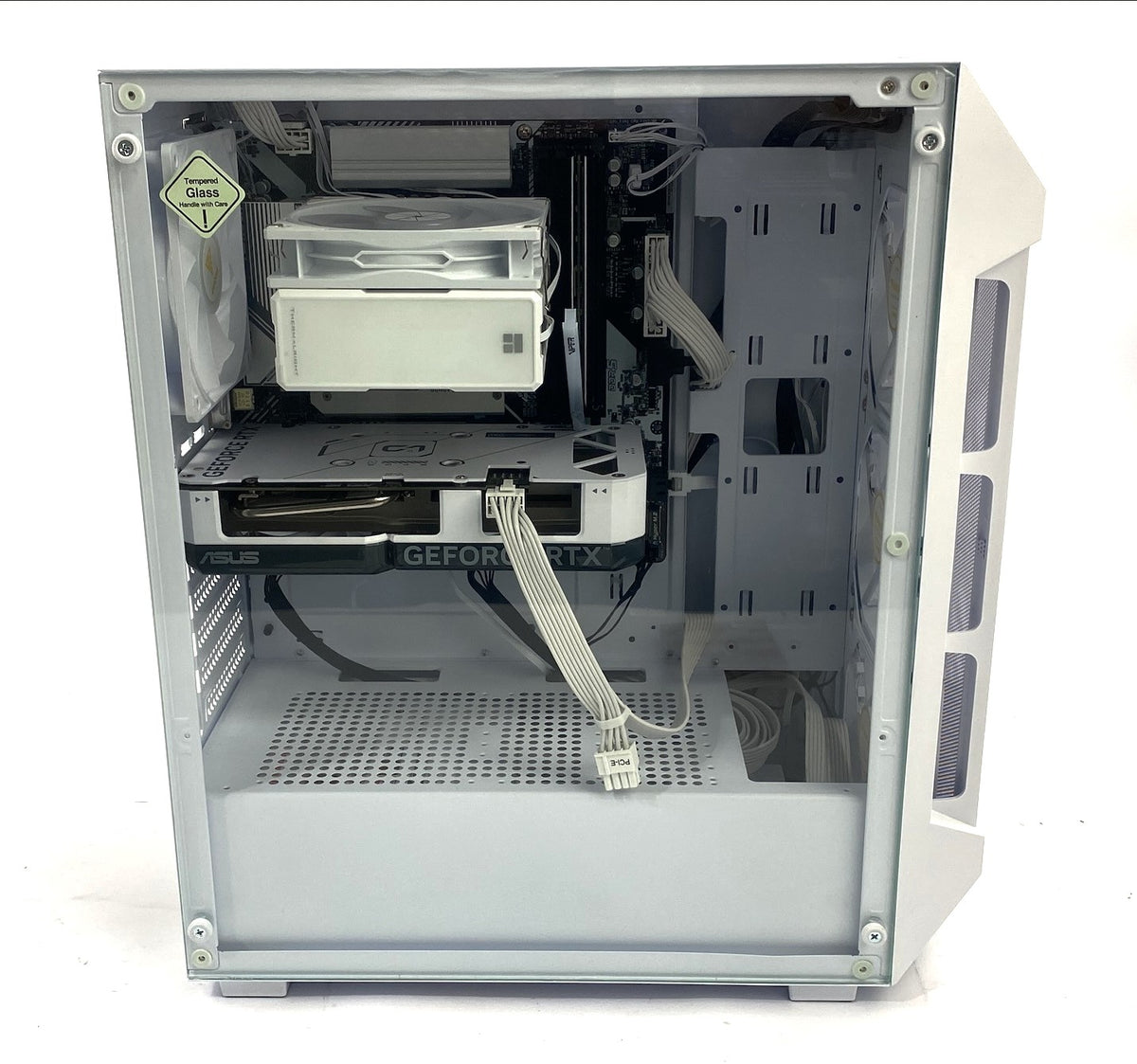
Built for mainstream 1080p gaming, with an Intel Core i5-14600KF processor, NVIDIA GeForce RTX 4060 graphics, and separate SSD and HDD storage. Gaming performance varies with the game and settings.
Cosmetic Condition — Grade A
This computer is in excellent cosmetic condition with minimal signs of use. Minor cosmetic marks may be present and do not affect its operation.
Specifications
- Manufacturer / build: Urban Technologies Mid4000 White Gaming PC
- Processor: Intel Core i5-14600KF
- CPU architecture: Raptor Lake
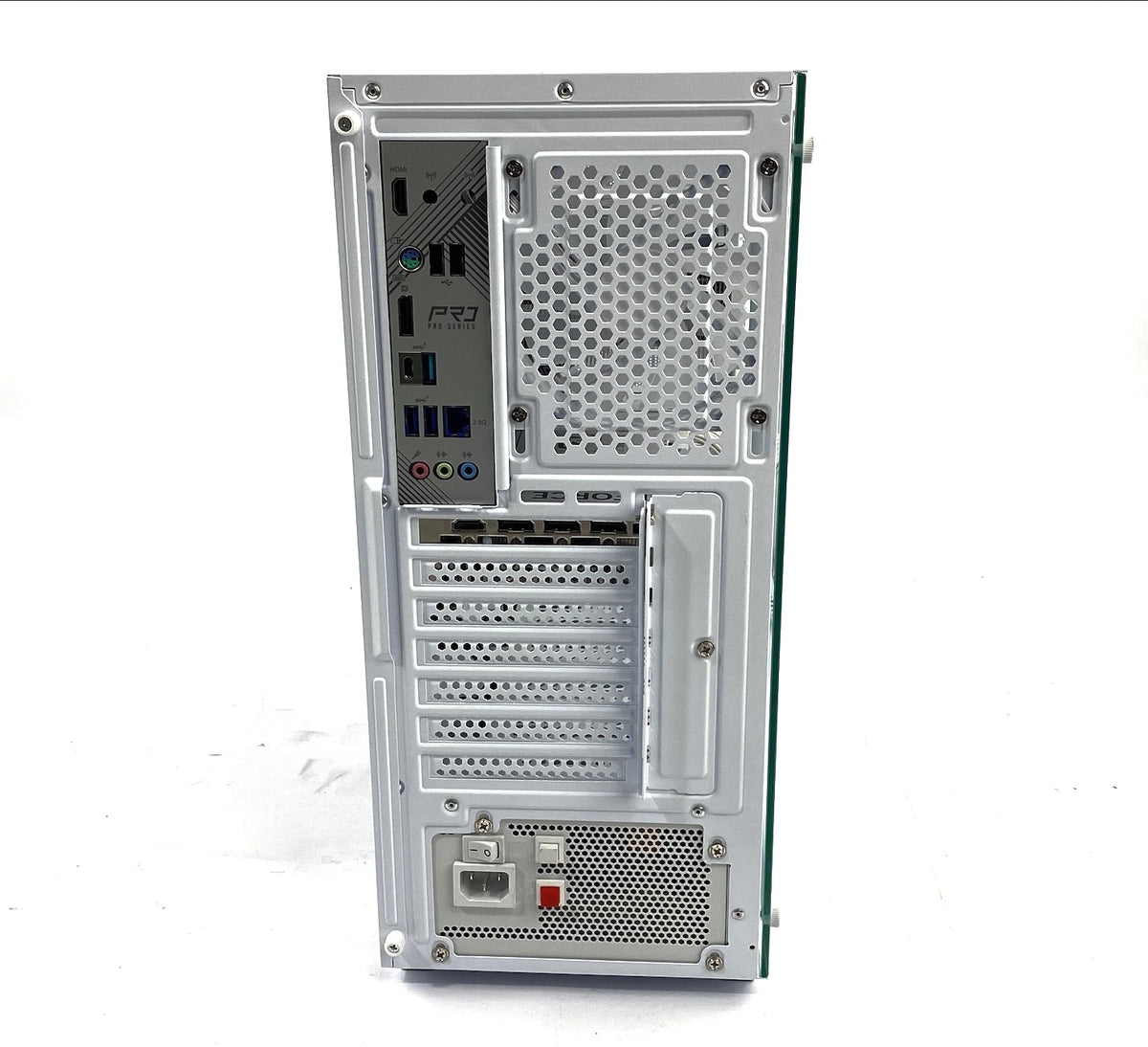
- Motherboard: ASRock B760M Pro RS
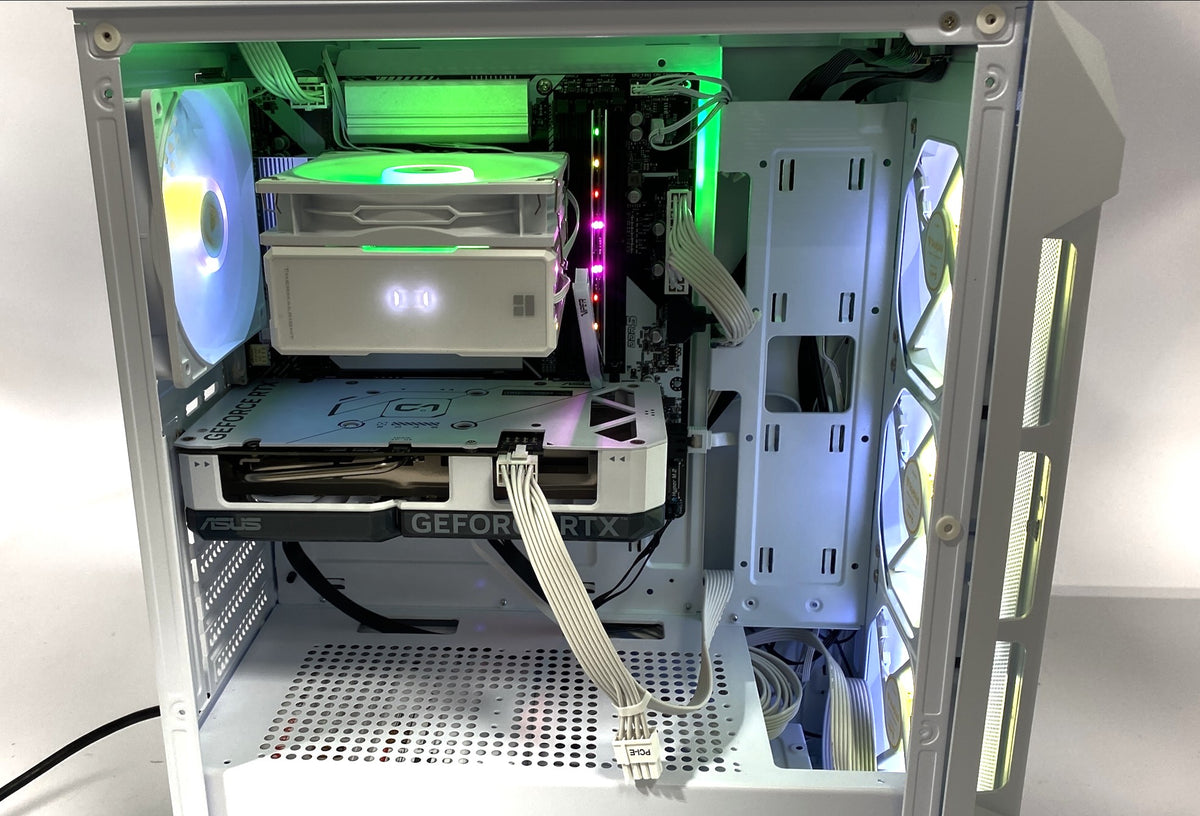
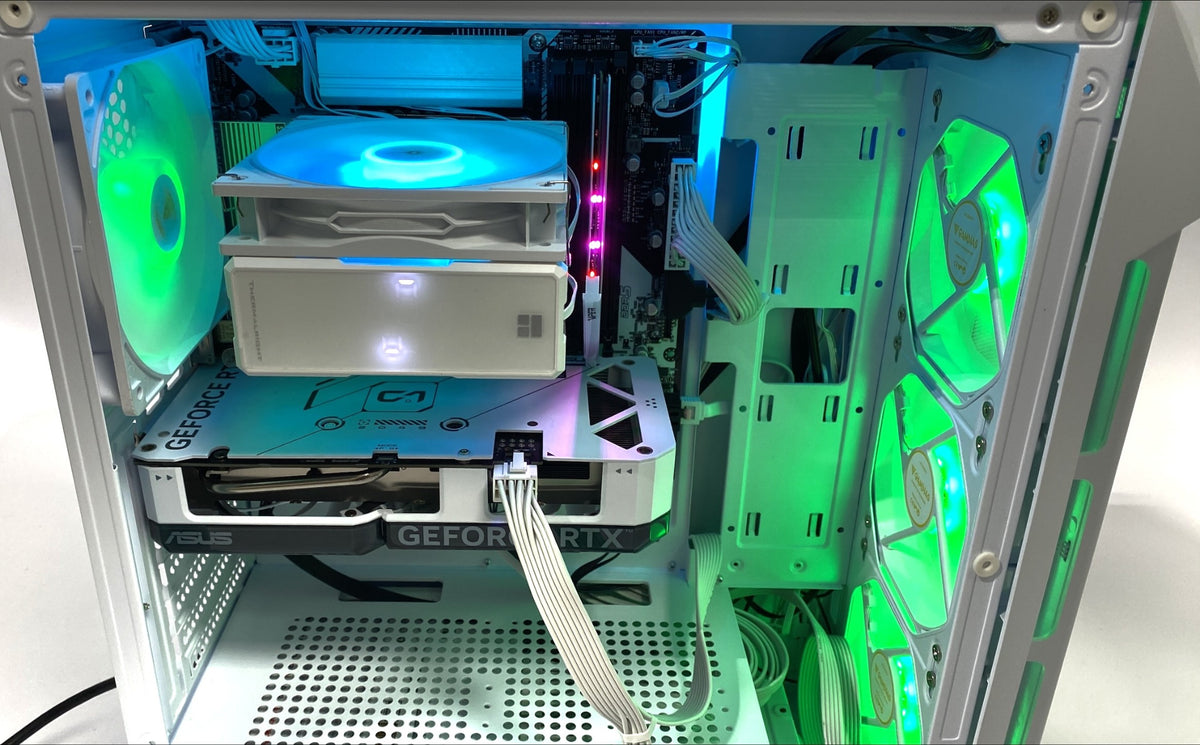
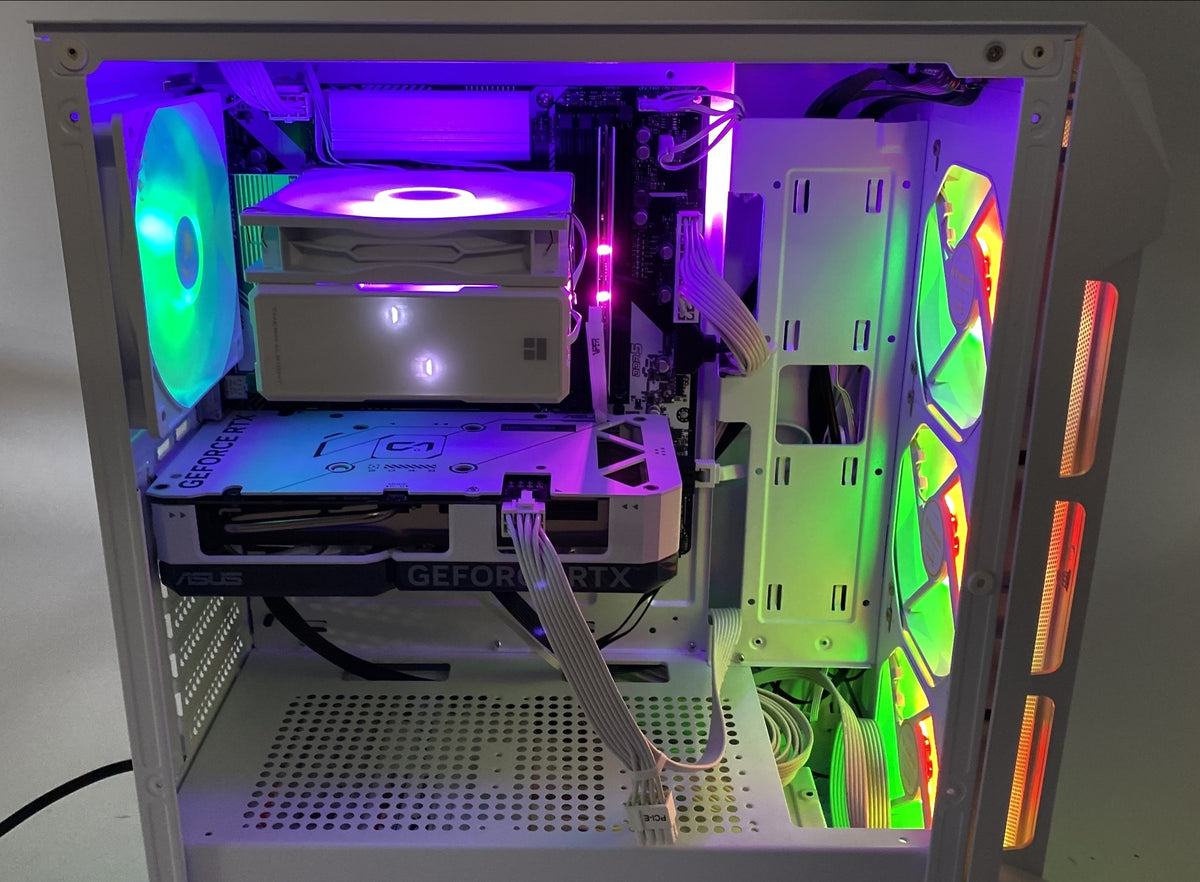
- Graphics: ASUS NVIDIA GeForce RTX 4060
- Memory: 16GB RAM
- Primary storage: SanDisk Optimus 5100 500GB NVMe SSD
- Secondary storage: Seagate ST4000NM0035 4TB SATA HDD
- Total storage: Approximately 4.5TB combined SSD and HDD capacity
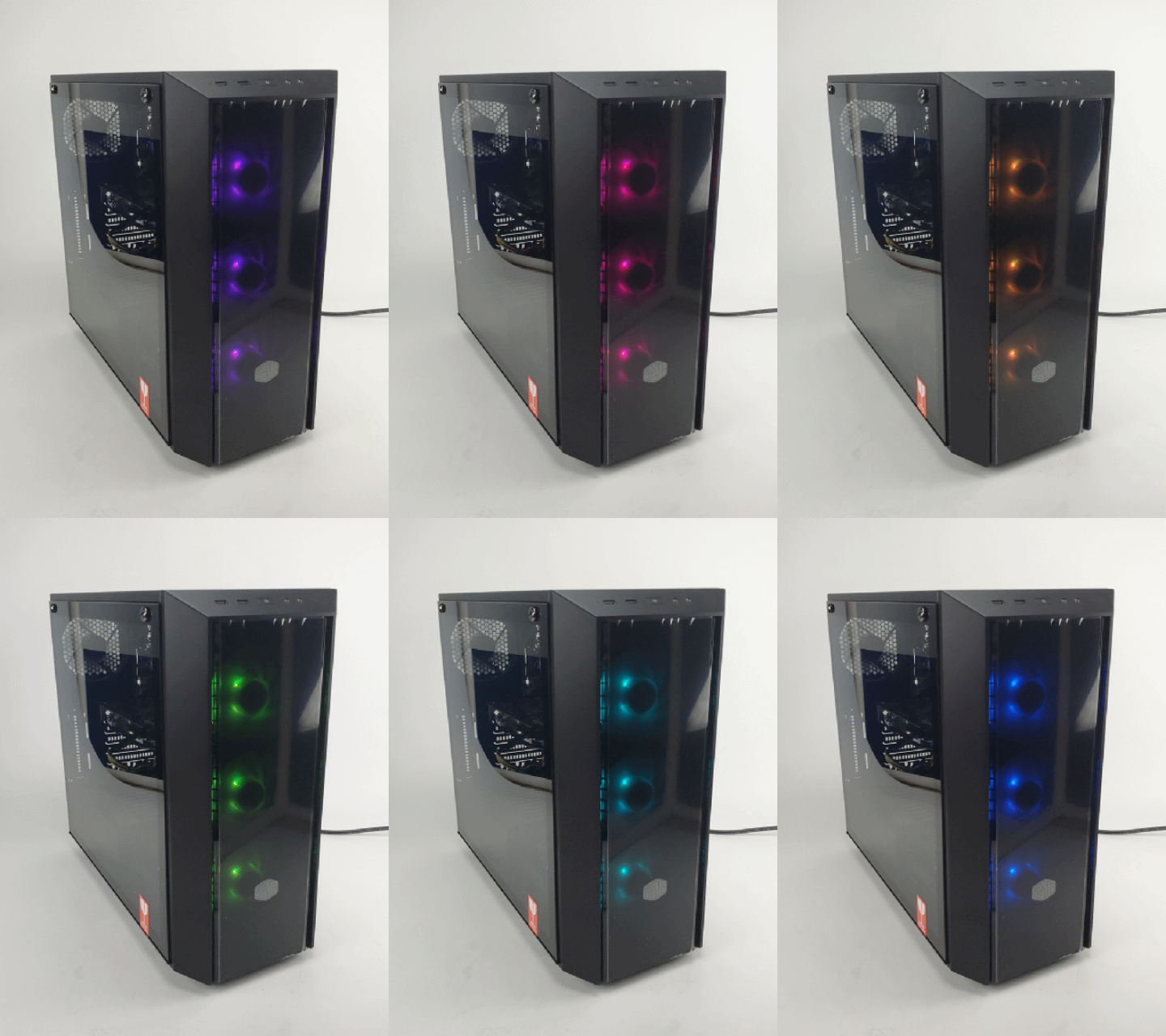
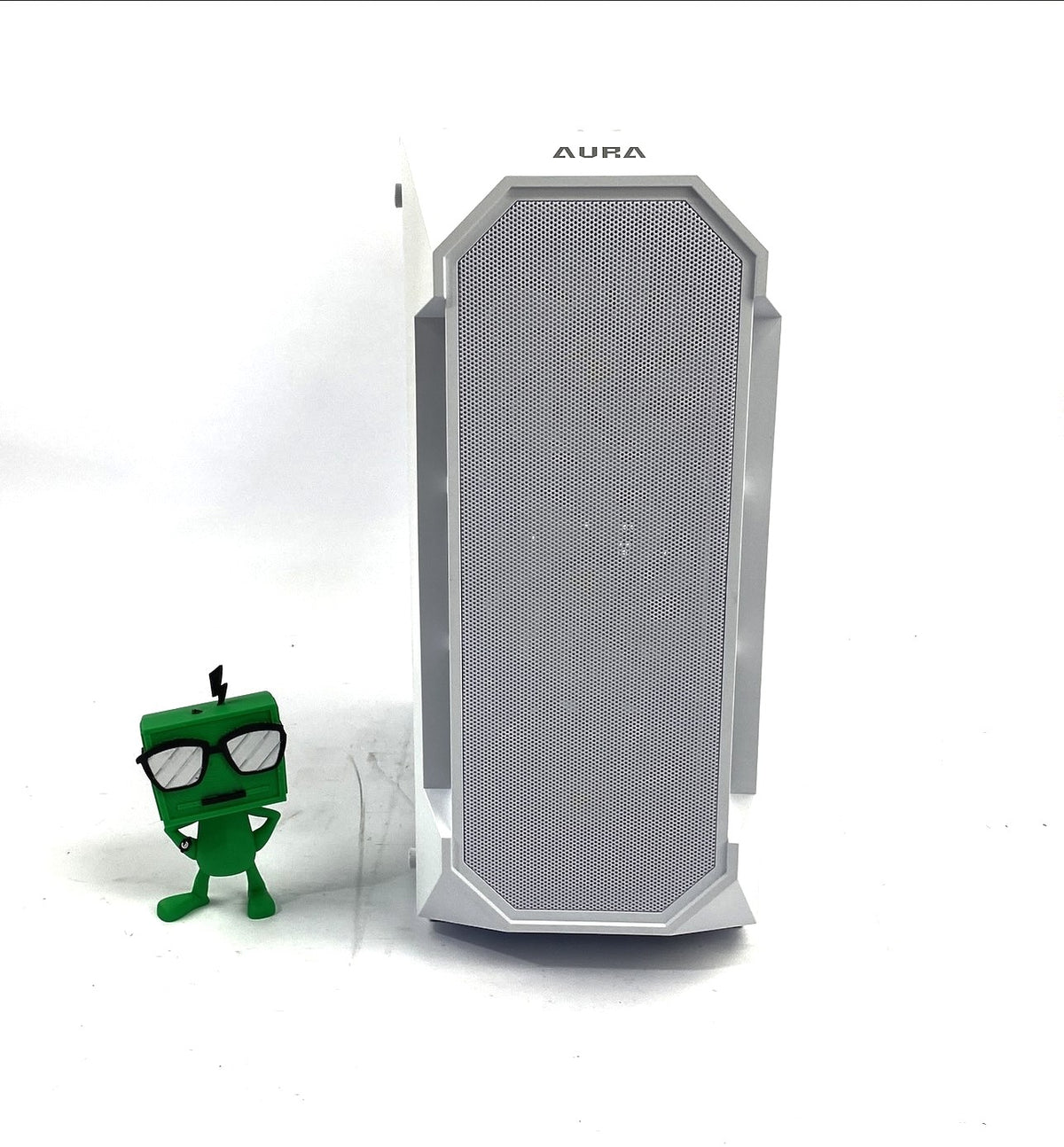
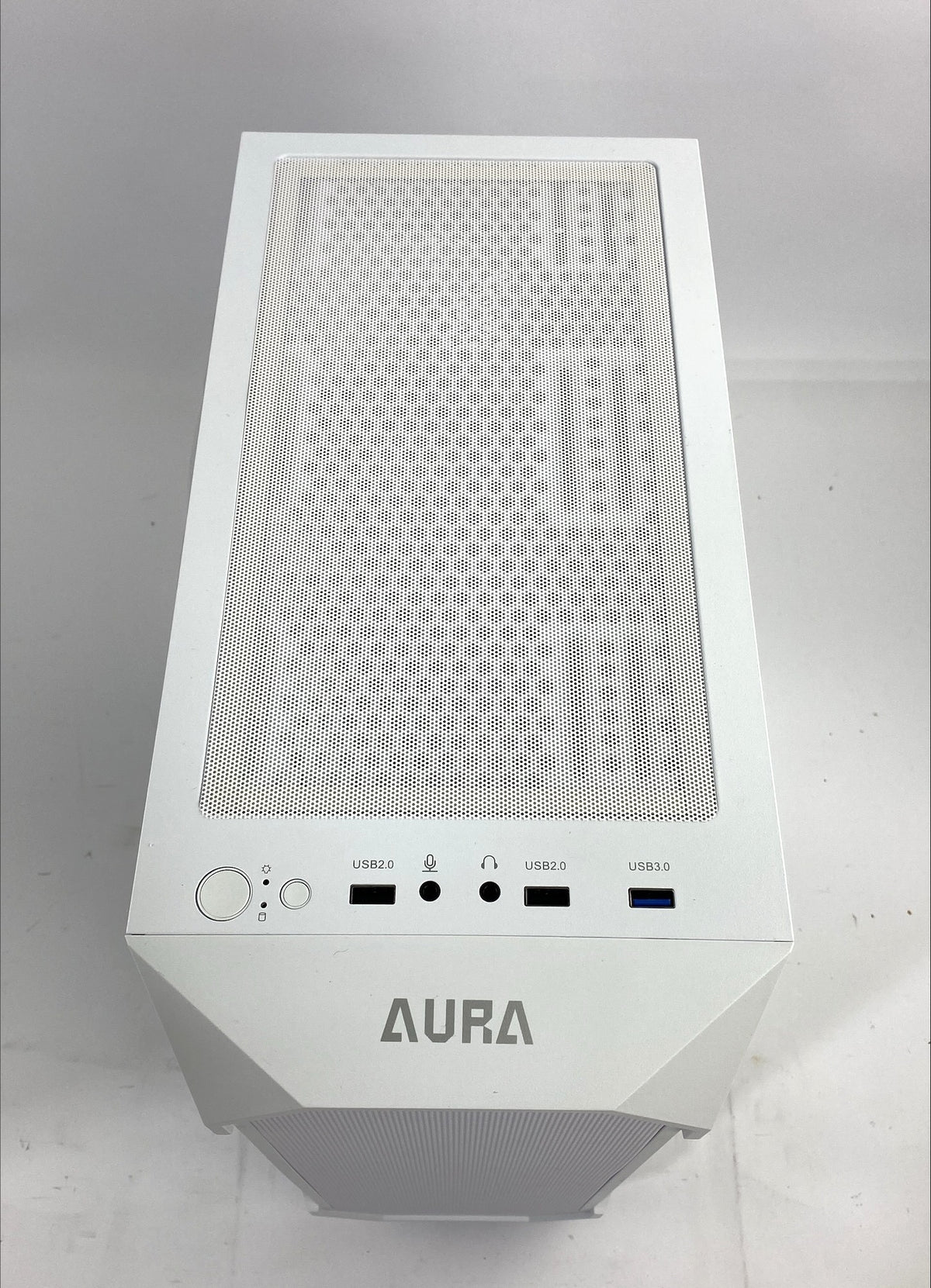
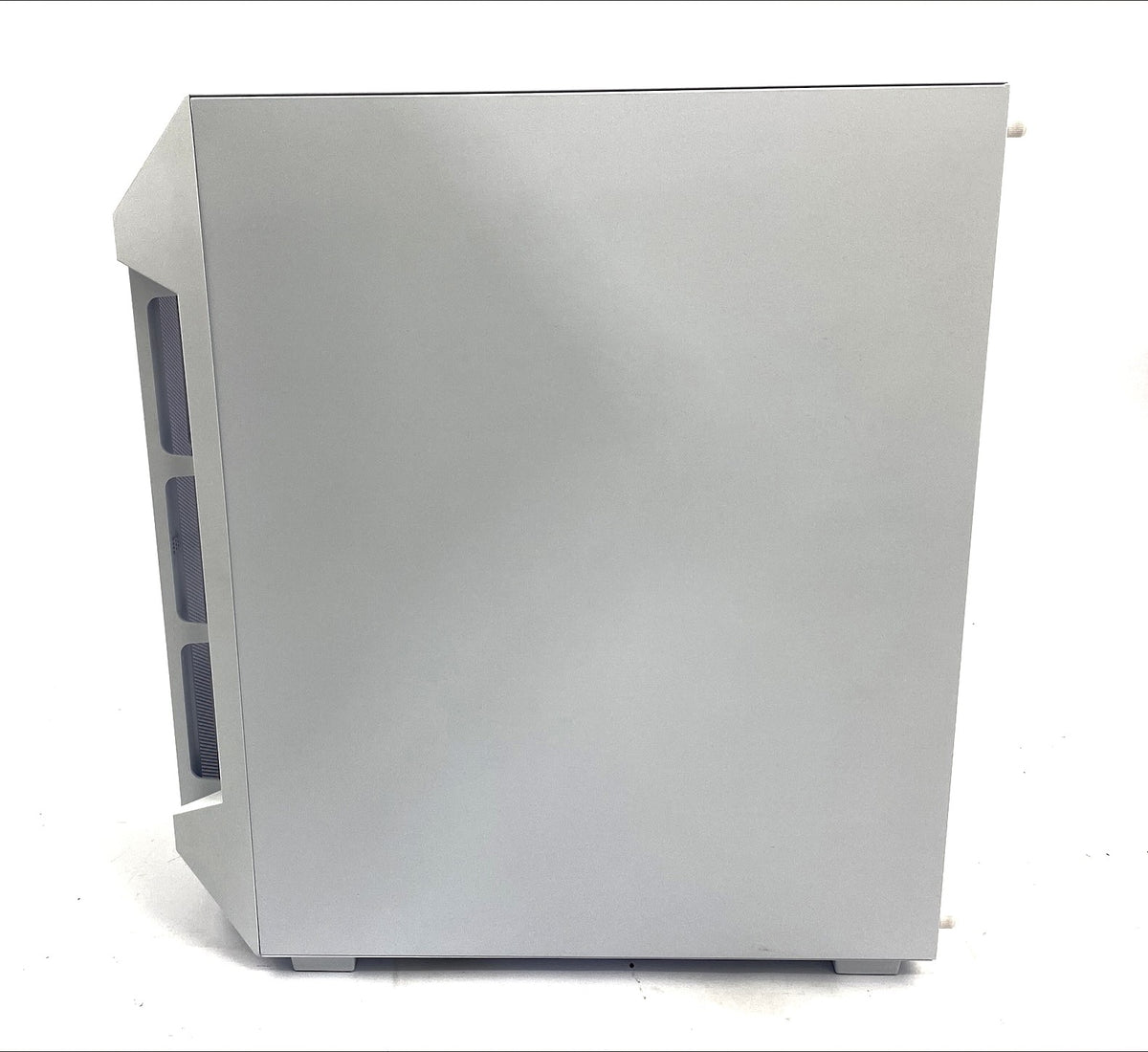
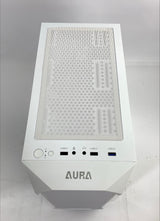
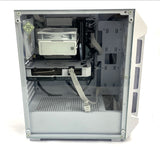
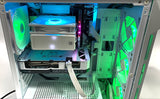
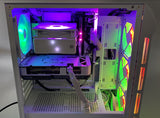
- Case: White AURA case with a glass side panel
- CPU cooling: Thermalright tower air cooler
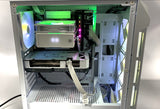
- Lighting: RGB lighting
- Operating system: Windows 11 Pro
- SKU: D-004000W-A
Warranty and Support
Includes a 90-day warranty and 30 days of free technical support. Warranty service includes repair or replacement with a similar or better unit.
Photos and Included Items
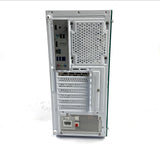
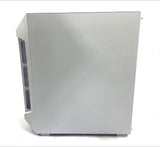
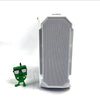
The photos and video show this gaming build. Decorative items shown in the photos are not included. Please contact us to confirm any included accessories or peripherals.
For additional details, please request specific inventory information.
DELIVERY
- Dispatch: Within 1-2 Business Days
- Free shipping across all products on a minimum purchase of $250.
- Easy 14 days returns and exchanges
RETURNS
If you do not like the product you can return it within 14 days - no questions asked. This excludes items like software and labor.
We have an easy and hassle free return policy. Please look at our Delivery & Returns section for further information.
- Use a cleaner and cloth that is rated safe for electronics. We use ammonia free Windex or a screen cleaner and a microfiber cloth!
- You can use a can of compressed air to dust out ports and keyboards but make sure to follow instructions on the product to avoid damage.
- Keep liquids and foods away from the computer. If liquid does end up on your device, power it down immediately and bring it in for our tech to look at.
- Do not use rice to dry a wet device. This can cause dust to enter your device and cause more issues. Instead, nestle the device in silica gel packets to draw liquid out.