

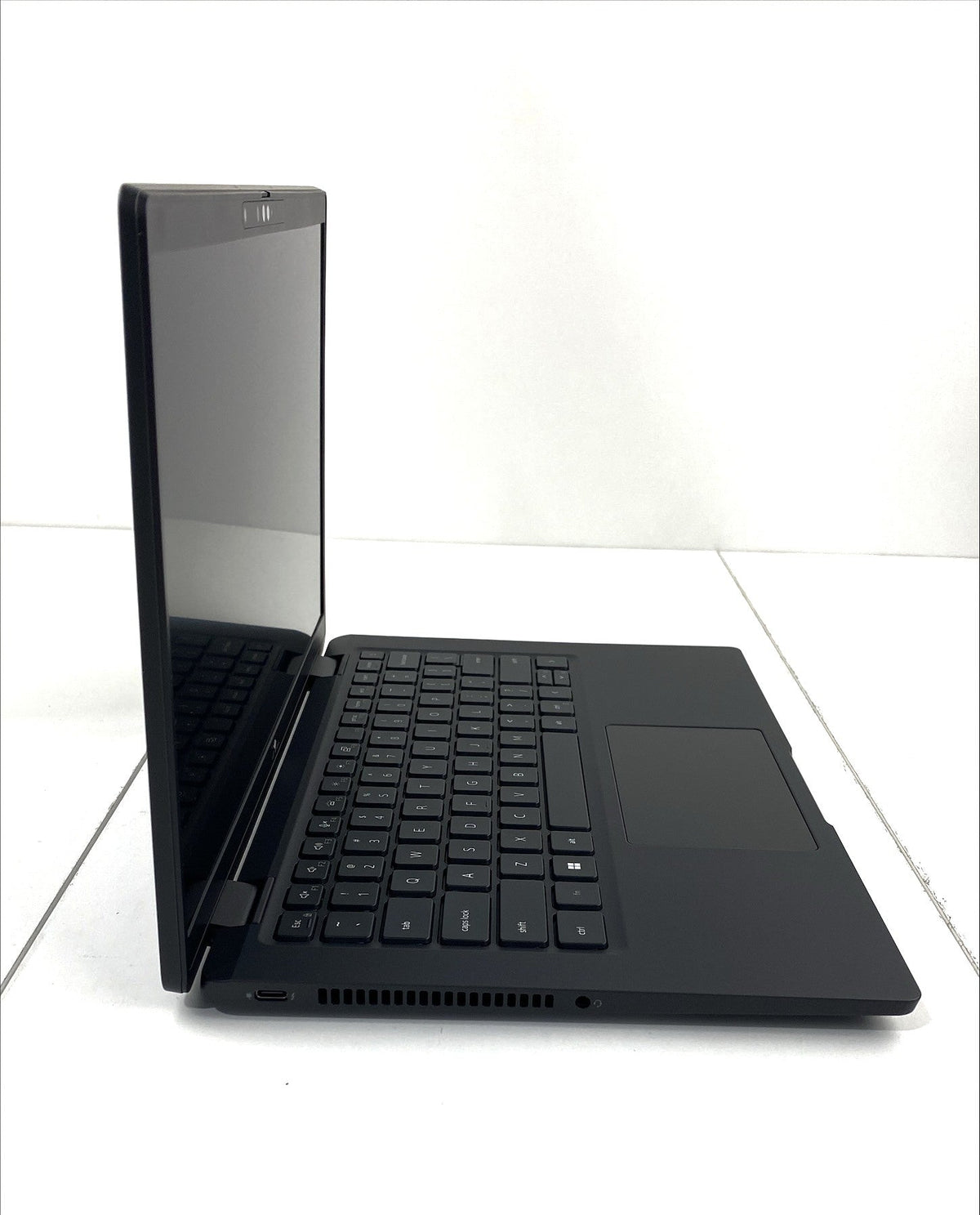
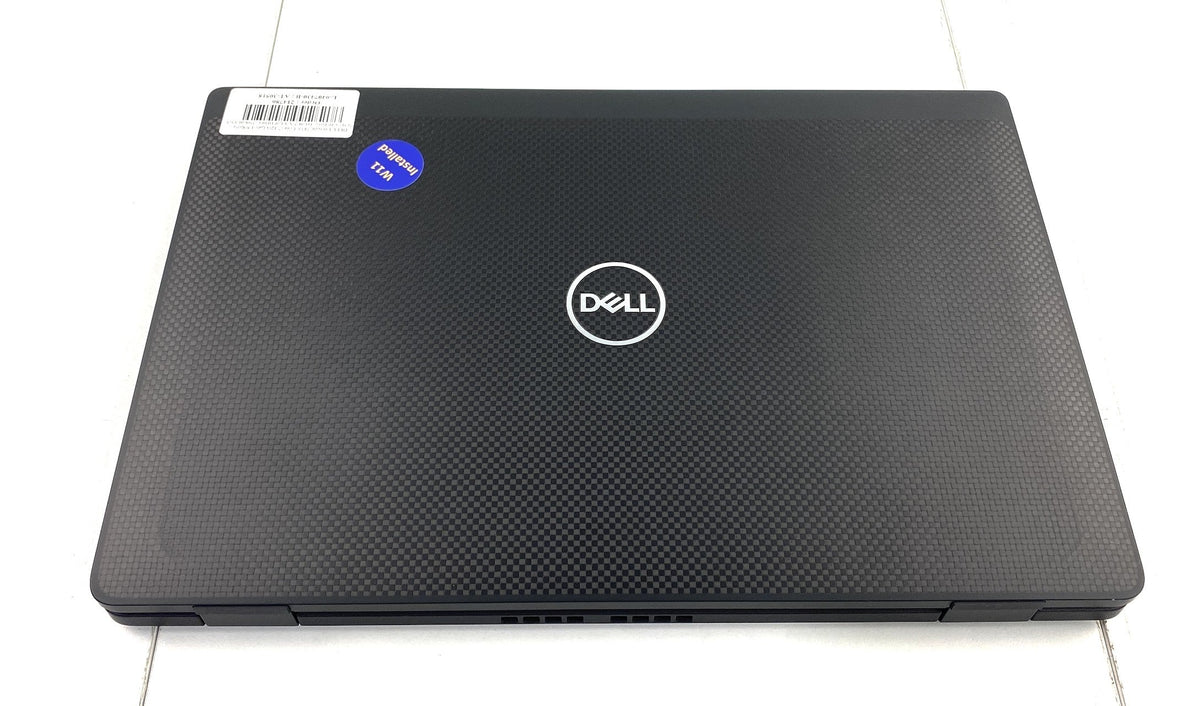
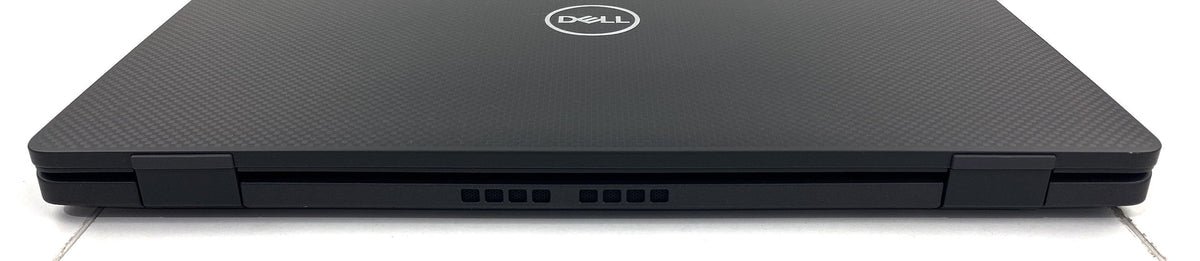

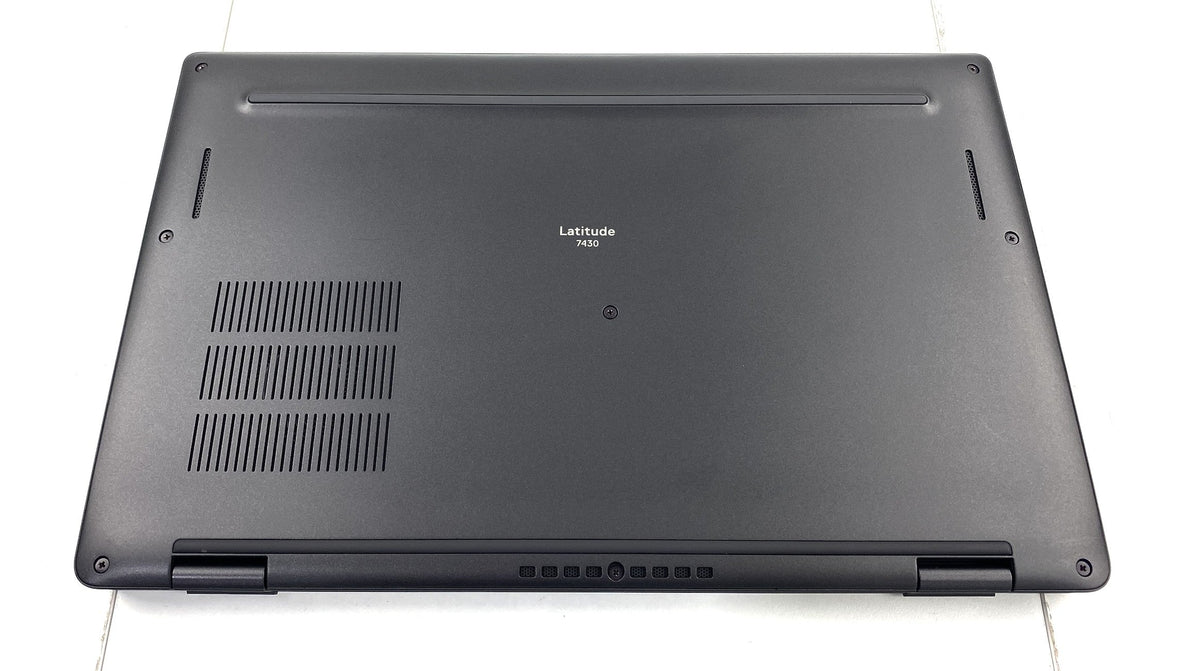
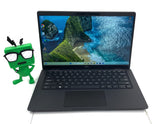
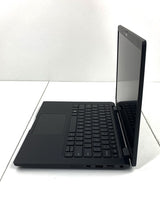
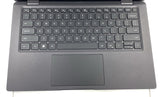
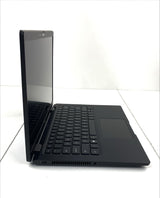


Ask about Dell Latitude 7430 14" FHD Core i5-1245U 32GB DDR4 RAM 250GB NVMe SSD Windows 11 Pro Grade B
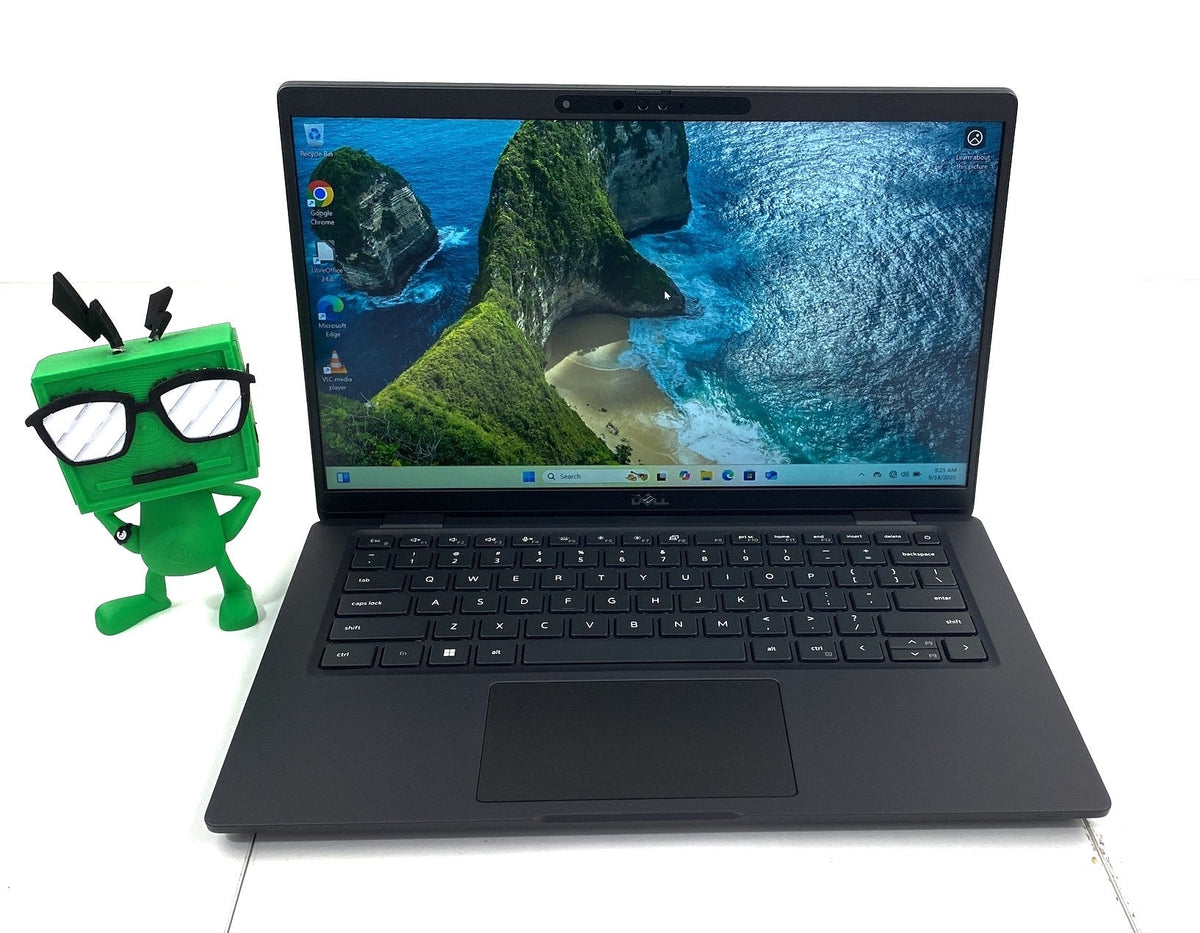
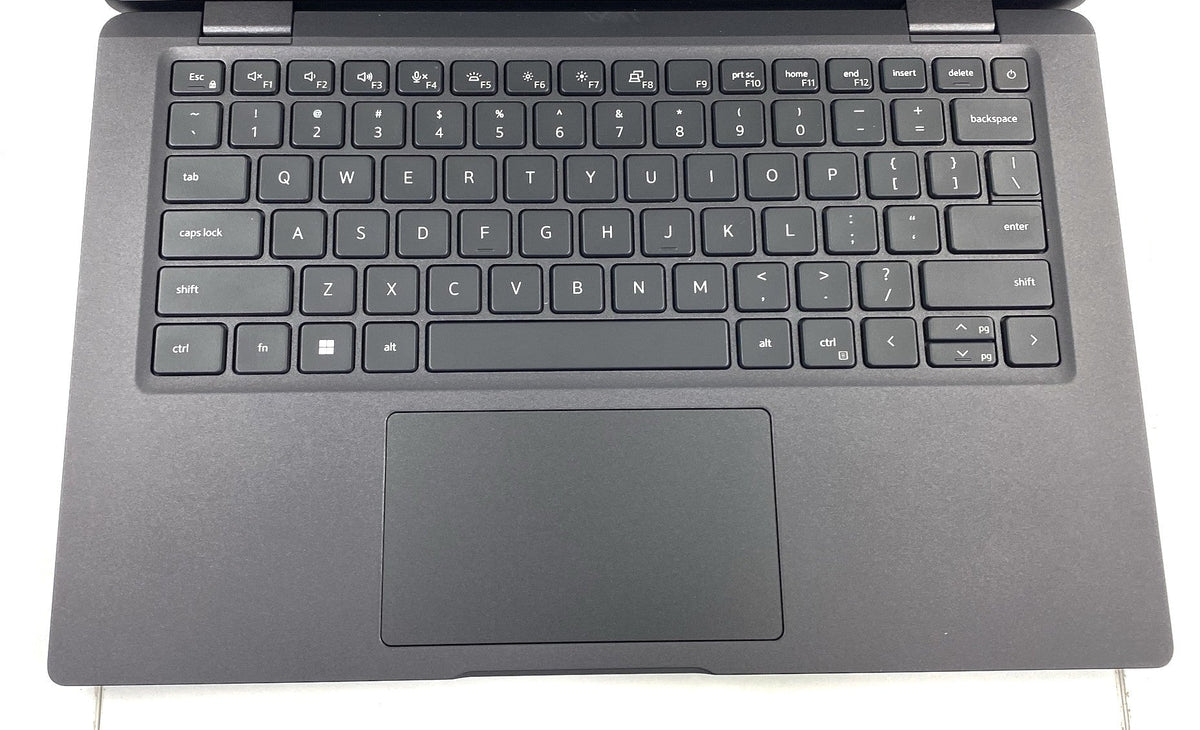
This refurbished Dell Latitude 7430 combines a 12th-generation Intel Core i5 processor, 32GB of DDR4 memory, and a 250GB NVMe SSD for everyday business, school, and office tasks. Its 14-inch Full HD non-touch display and backlit keyboard make it a practical choice for working at a desk or on the go. Includes Windows 11 Pro.
Cosmetic Condition — Grade B
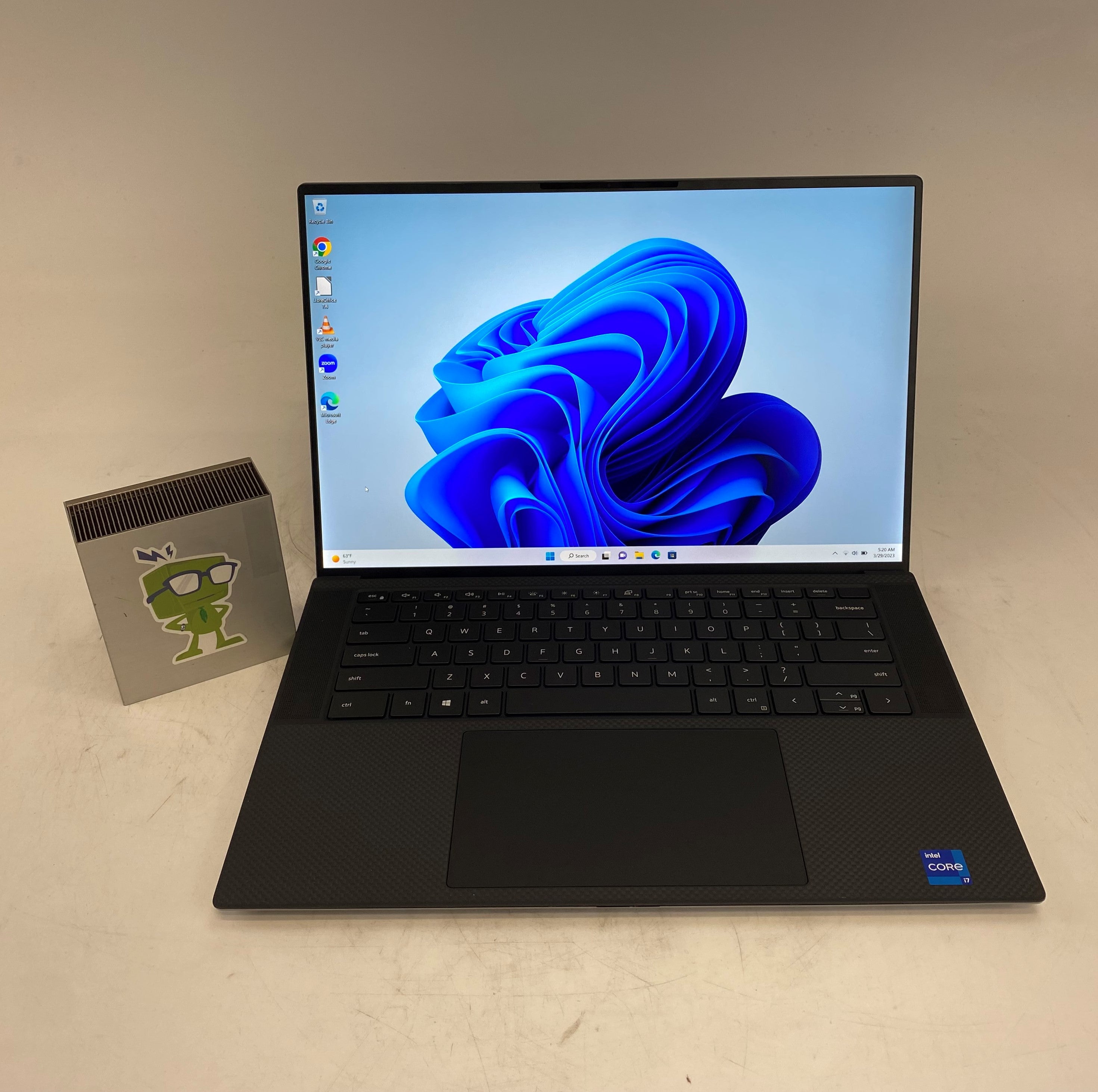
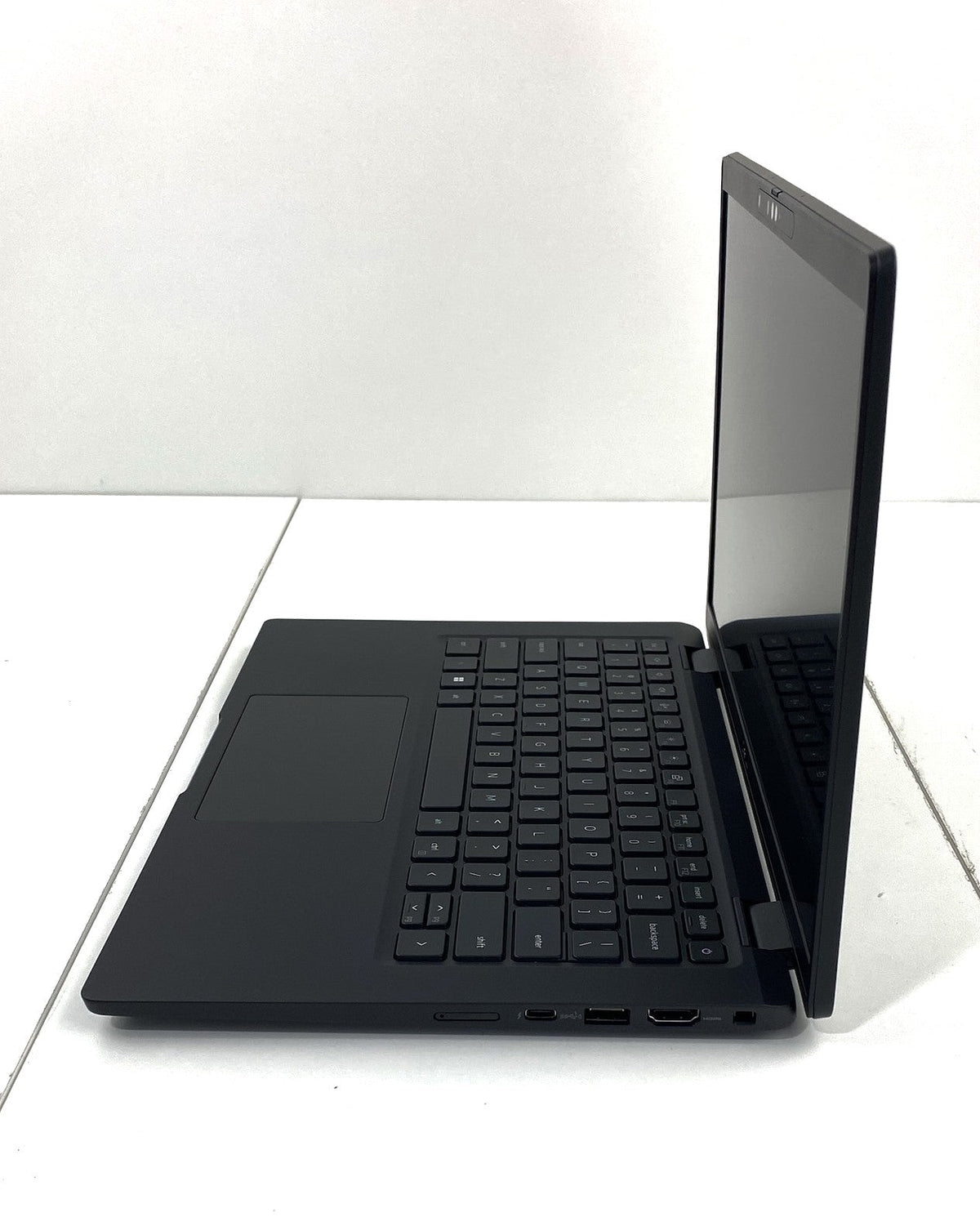
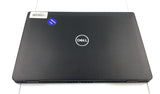
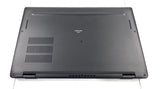
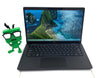
Good overall cosmetic condition with visible signs of normal use, such as scratches or scuffs. Cosmetic wear does not affect normal operation. Photos are representative of this model and condition grade; individual cosmetic marks may vary.
Specifications
- Model: Dell Latitude 7430
- Processor: Intel Core i5-1245U, 12th generation; 10 cores, 12 threads; up to 4.40GHz
- Memory: 32GB DDR4-3200, integrated
- Storage: 250GB M.2 PCIe NVMe SSD
- Display: 14-inch Full HD, 1920 × 1080; anti-glare; 250 nits
- Touchscreen: No
- Graphics: Intel Iris Xe integrated graphics
- Wireless: Intel Wi-Fi 6E AX211 and Bluetooth
- Keyboard: Backlit, US English
- Security: Fingerprint reader and contacted smart-card reader
- Chassis: Black carbon fiber
- Operating system: Windows 11 Pro
- Cosmetic grade: B
- SKU: L-0117430-B
Warranty and Support
Includes a 90-day warranty and 30 days of free technical support. Warranty service includes repair or replacement with a similar or better unit.
Photos and Accessories
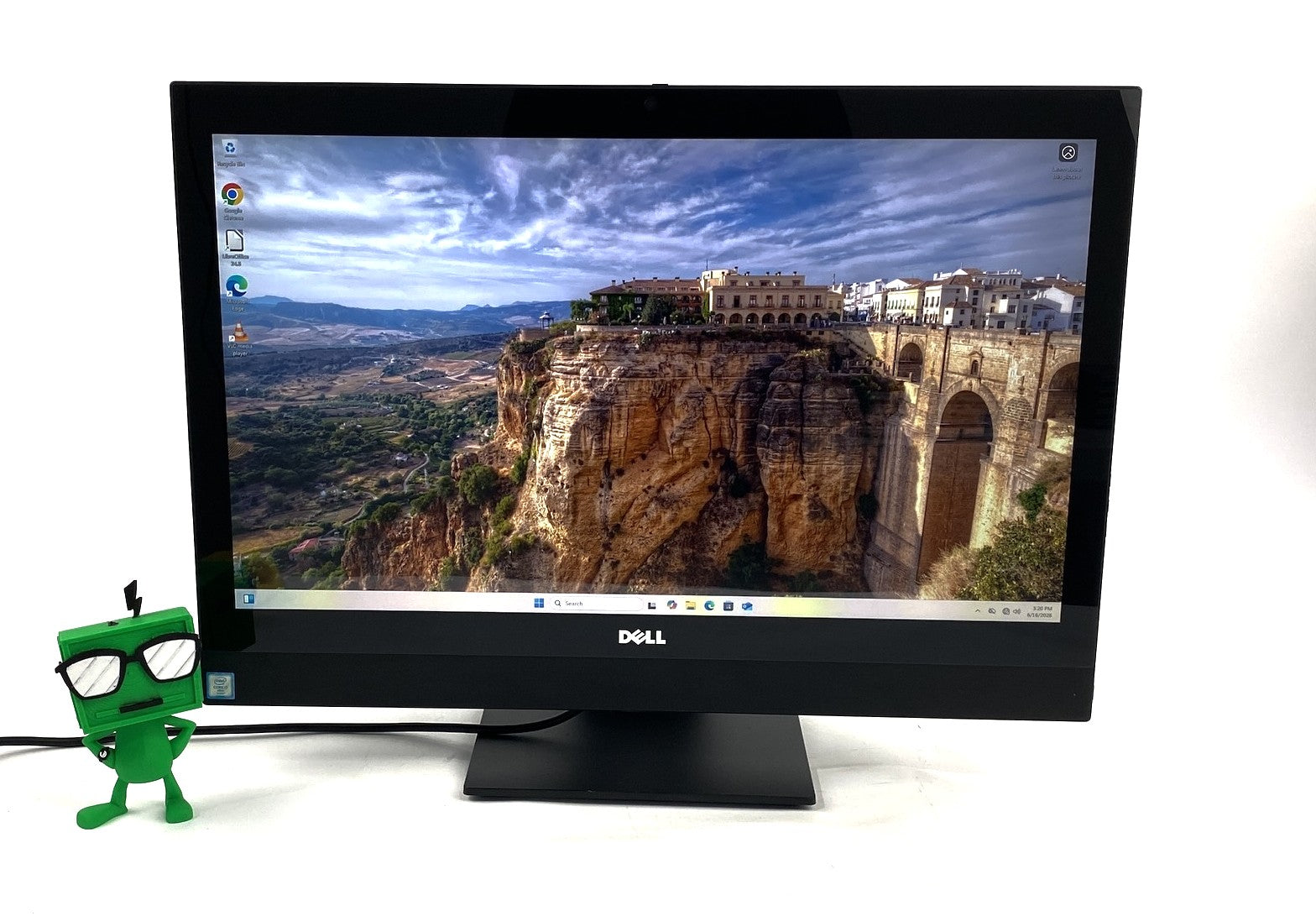
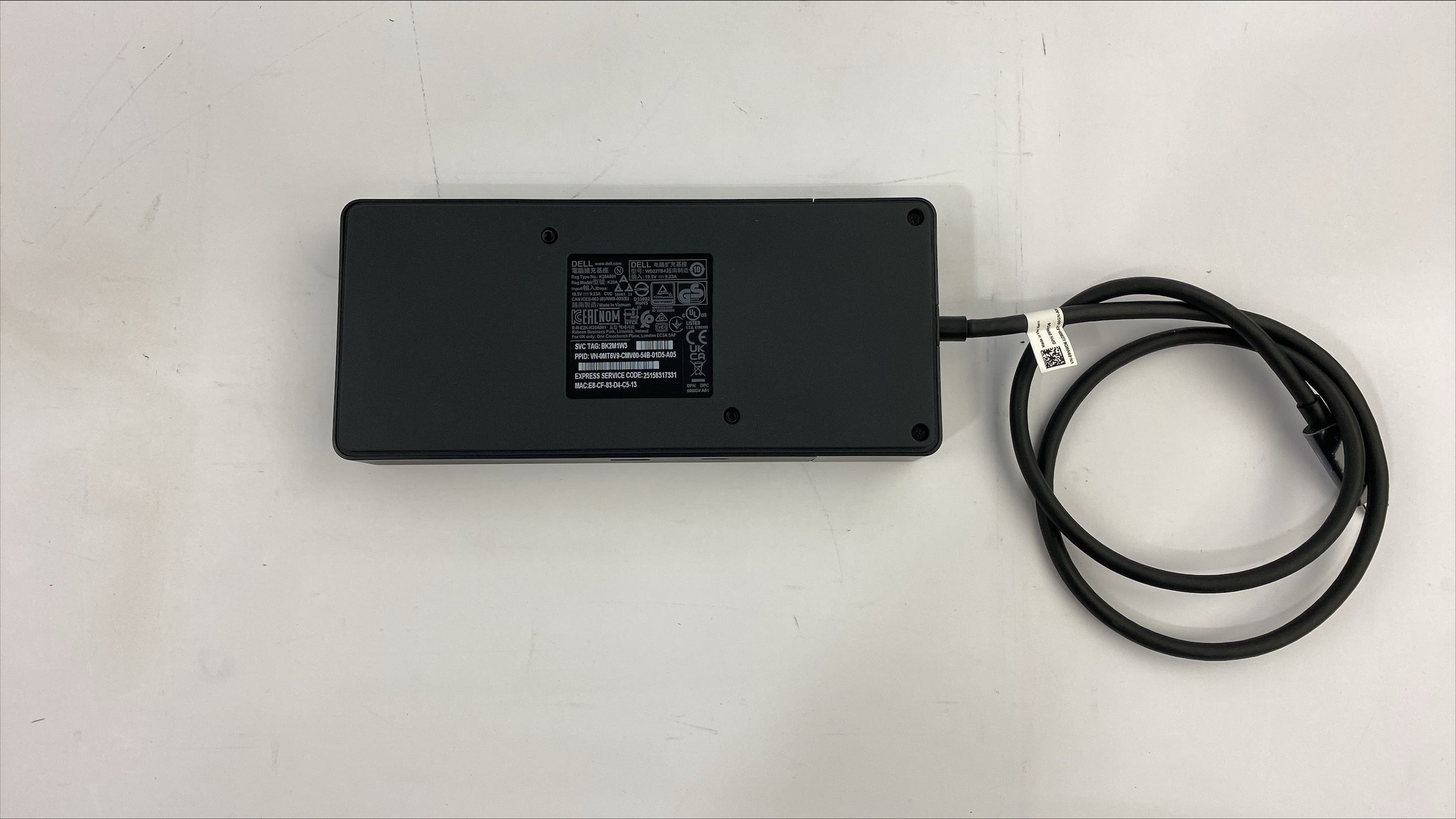
The photos are reused from an equivalent Latitude 7430 model and are representative, rather than photos of this individual unit. Only the laptop and accessories expressly included with the purchase are included; other items shown should not be assumed to be included.
DELIVERY
- Dispatch: Within 1-2 Business Days
- Free shipping across all products on a minimum purchase of $250.
- Easy 14 days returns and exchanges
RETURNS
If you do not like the product you can return it within 14 days - no questions asked. This excludes items like software and labor.
We have an easy and hassle free return policy. Please look at our Delivery & Returns section for further information.
- Use a cleaner and cloth that is rated safe for electronics. We use ammonia free Windex or a screen cleaner and a microfiber cloth!
- You can use a can of compressed air to dust out ports and keyboards but make sure to follow instructions on the product to avoid damage.
- Keep liquids and foods away from the computer. If liquid does end up on your device, power it down immediately and bring it in for our tech to look at.
- Do not use rice to dry a wet device. This can cause dust to enter your device and cause more issues. Instead, nestle the device in silica gel packets to draw liquid out.