
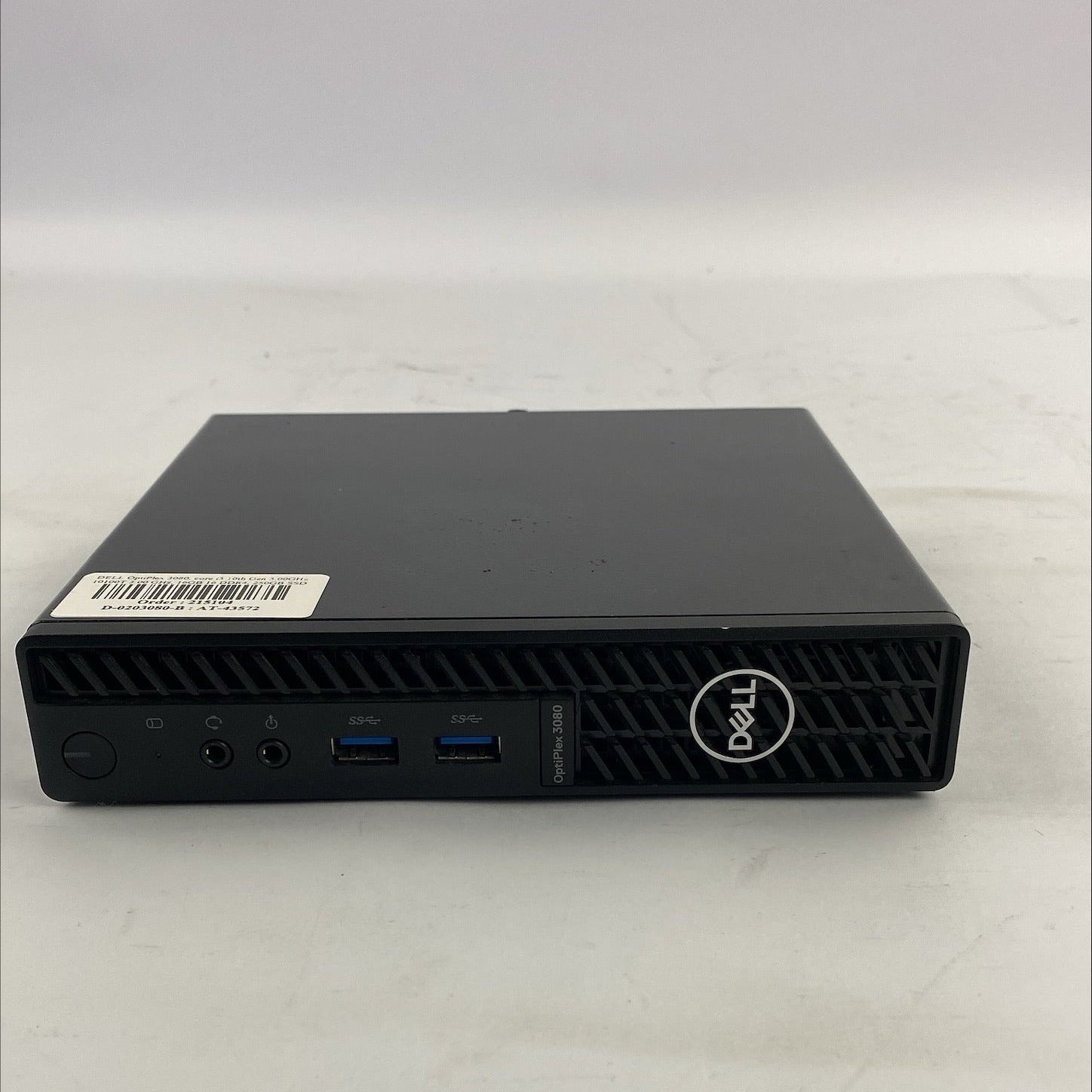
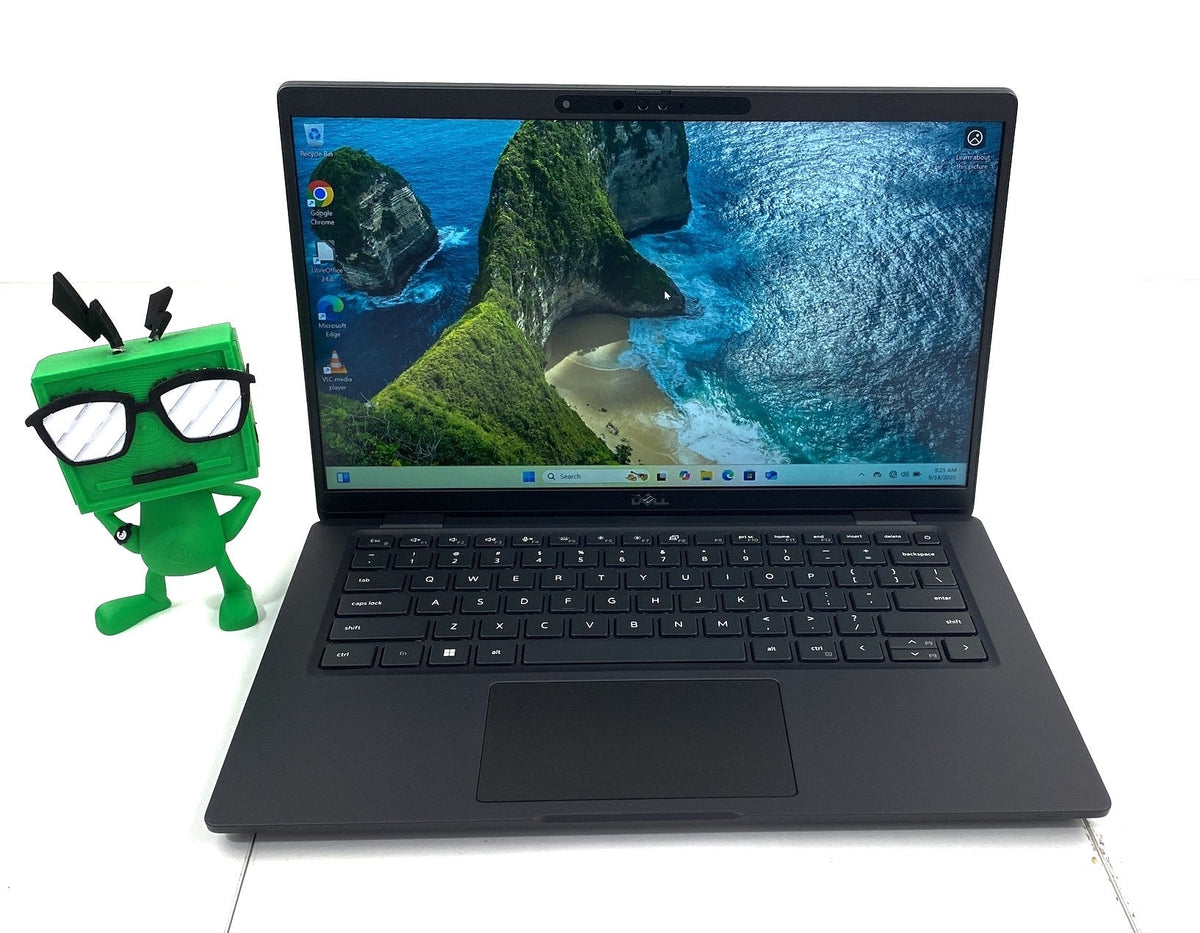

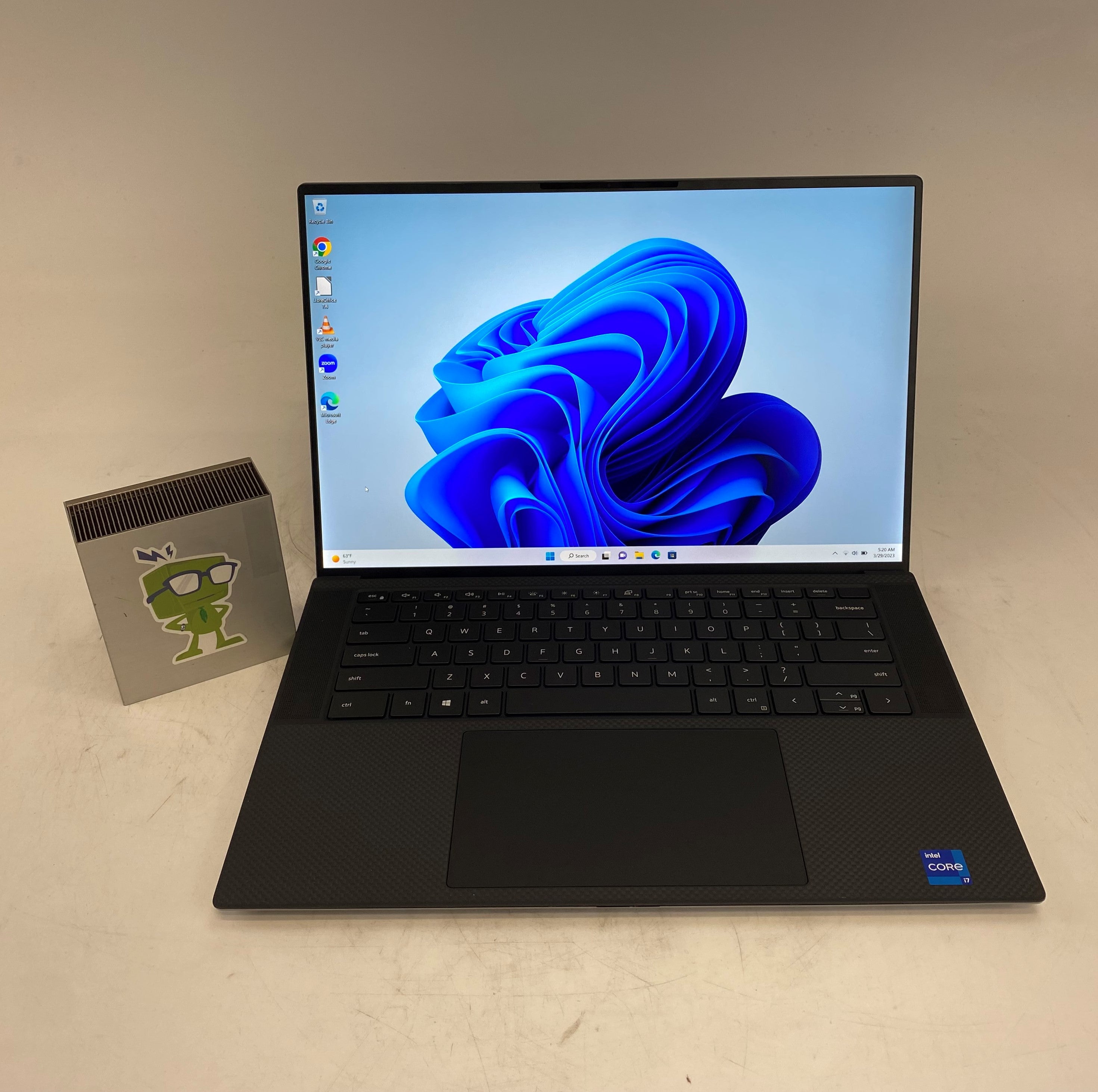
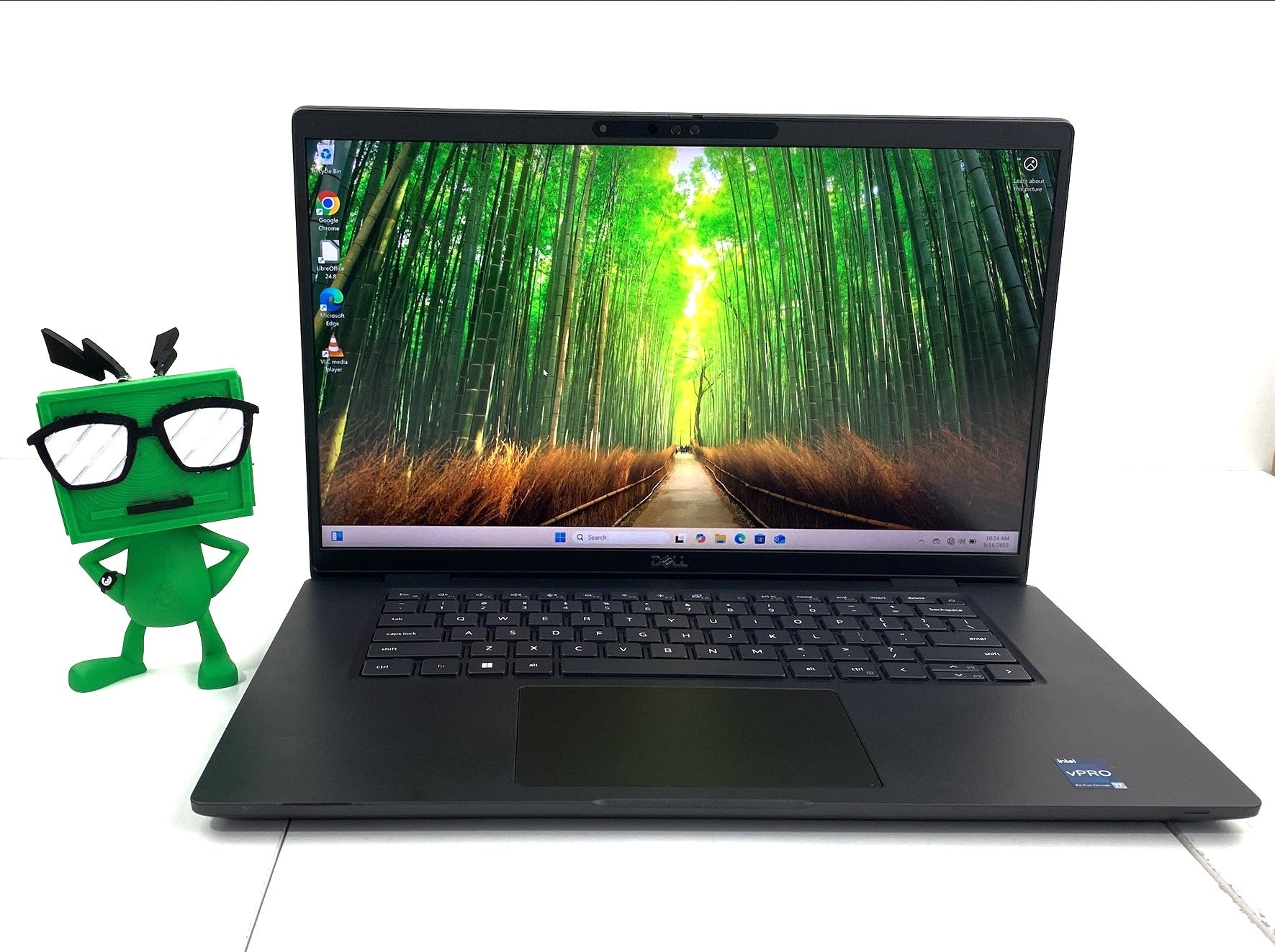
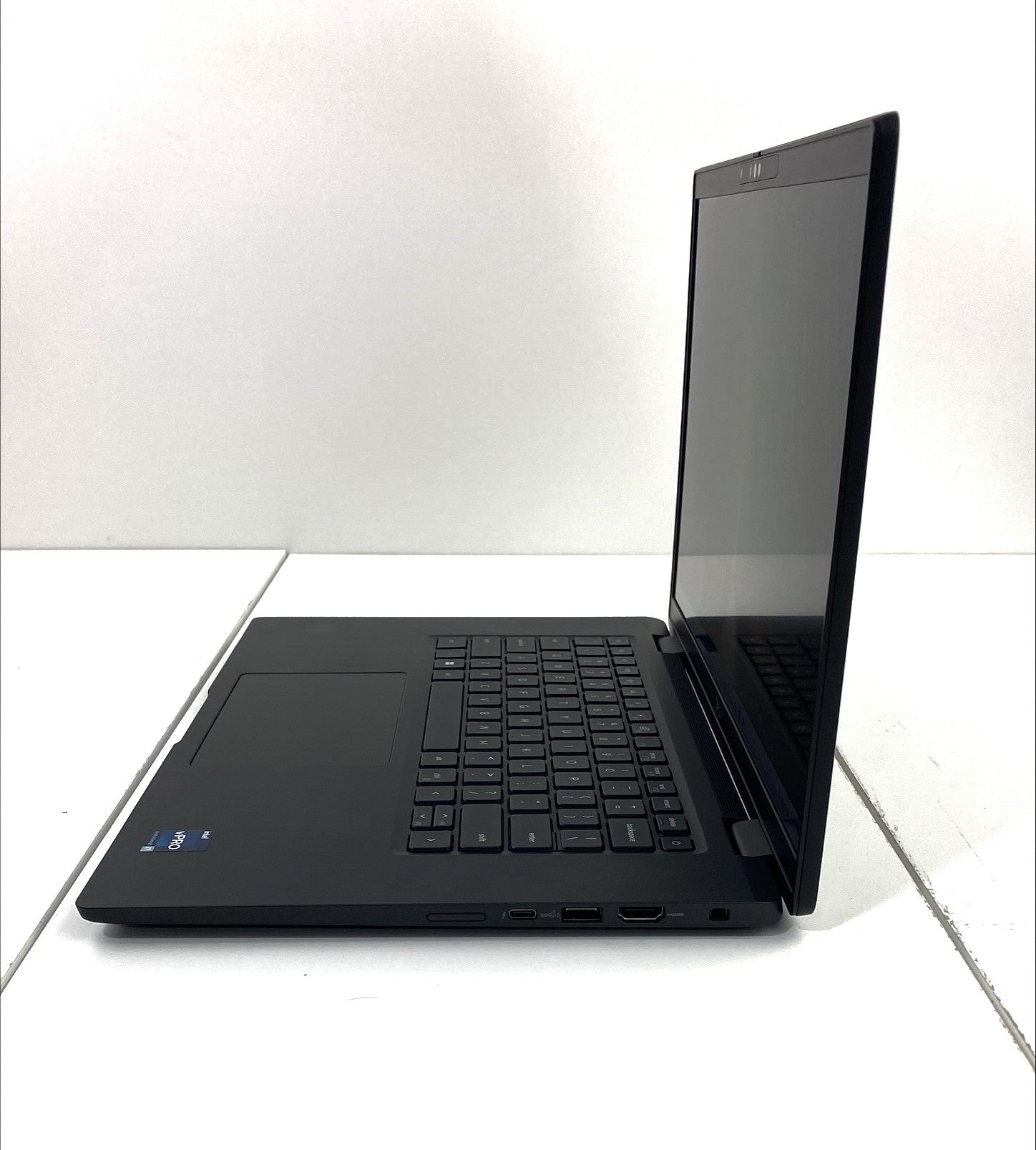
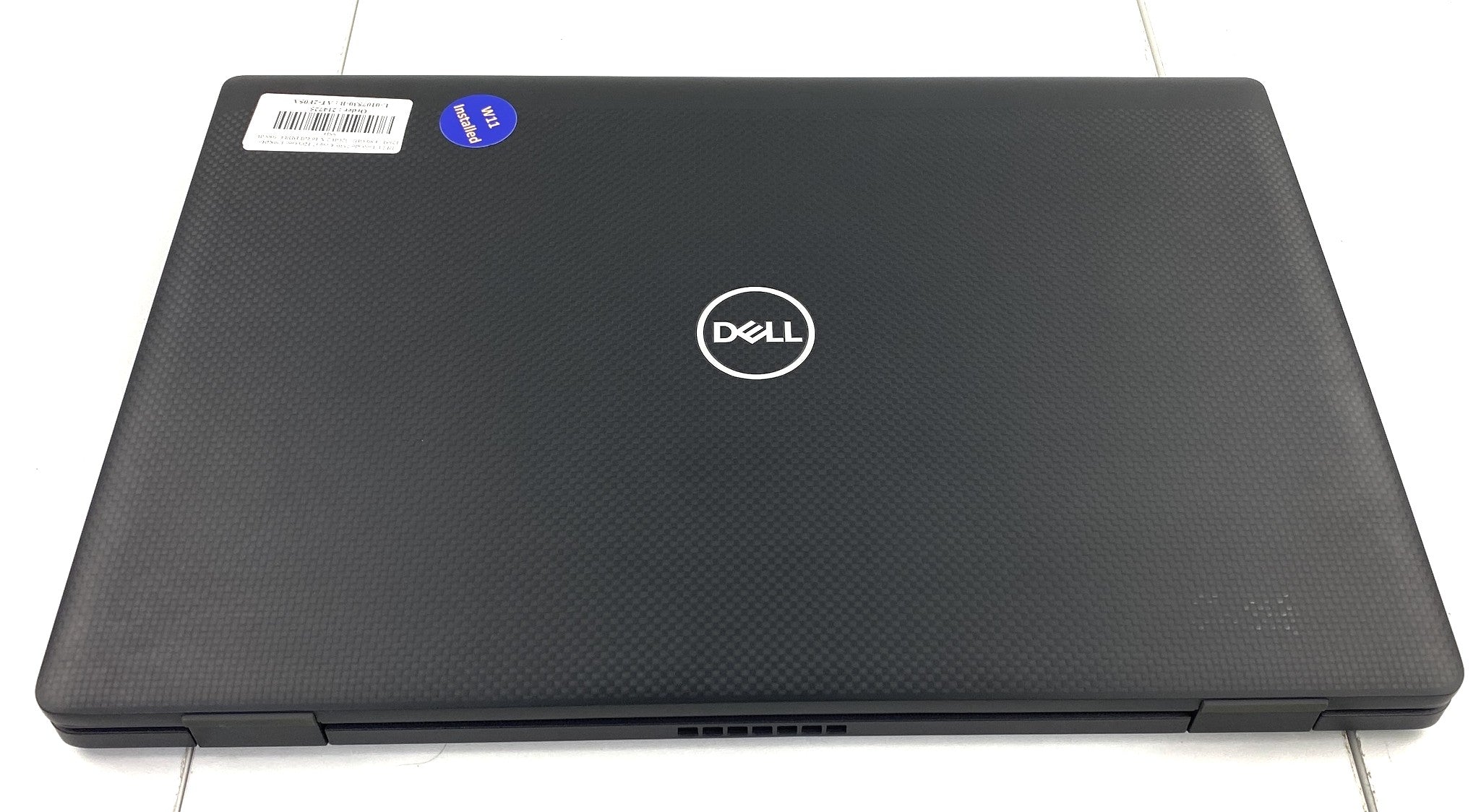
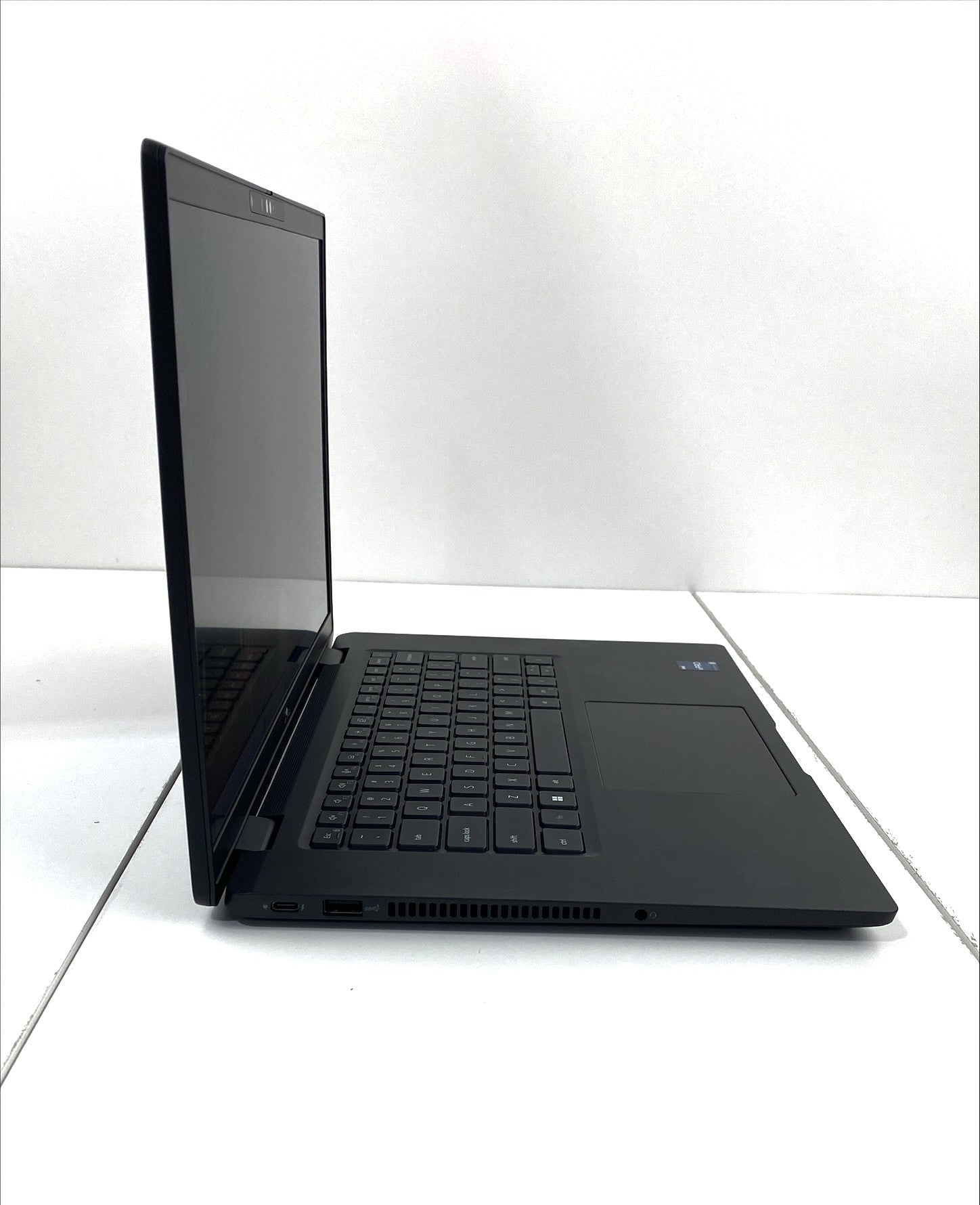
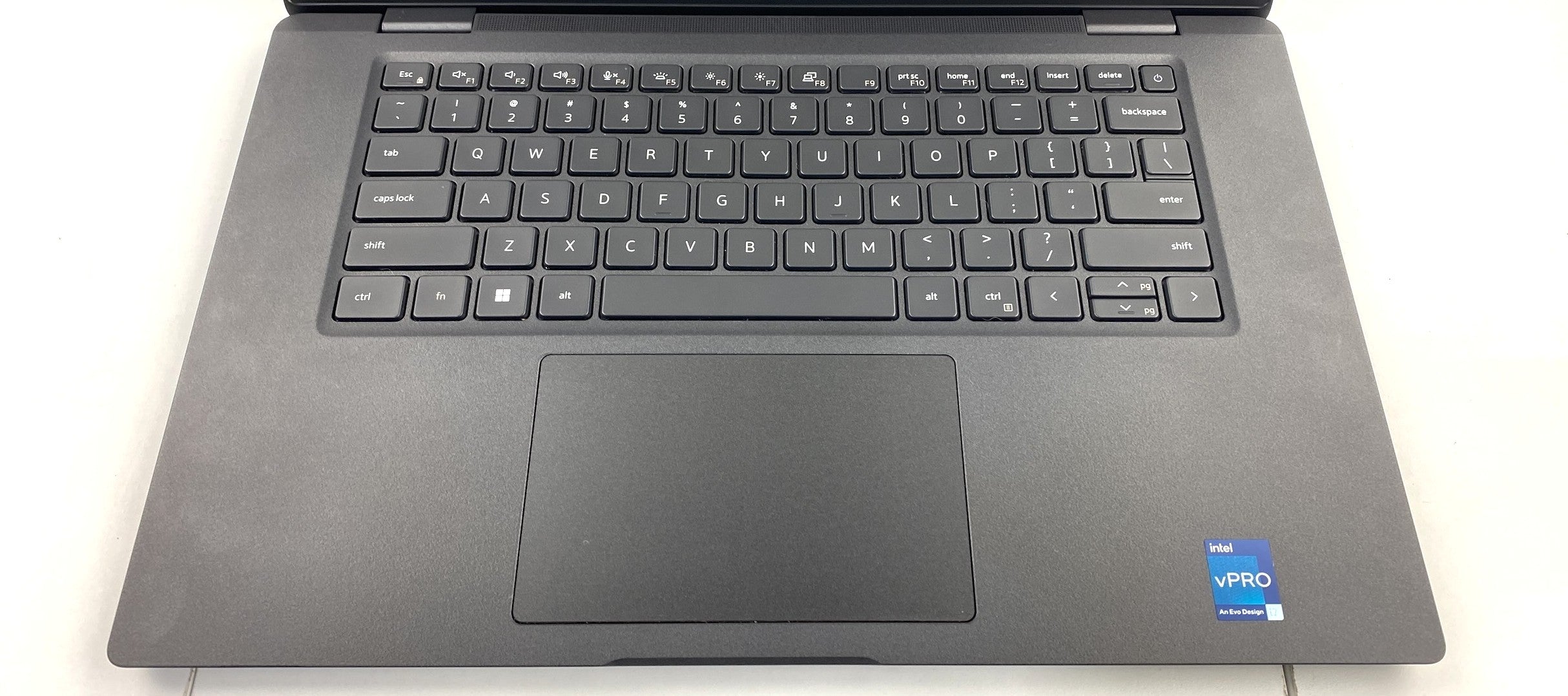
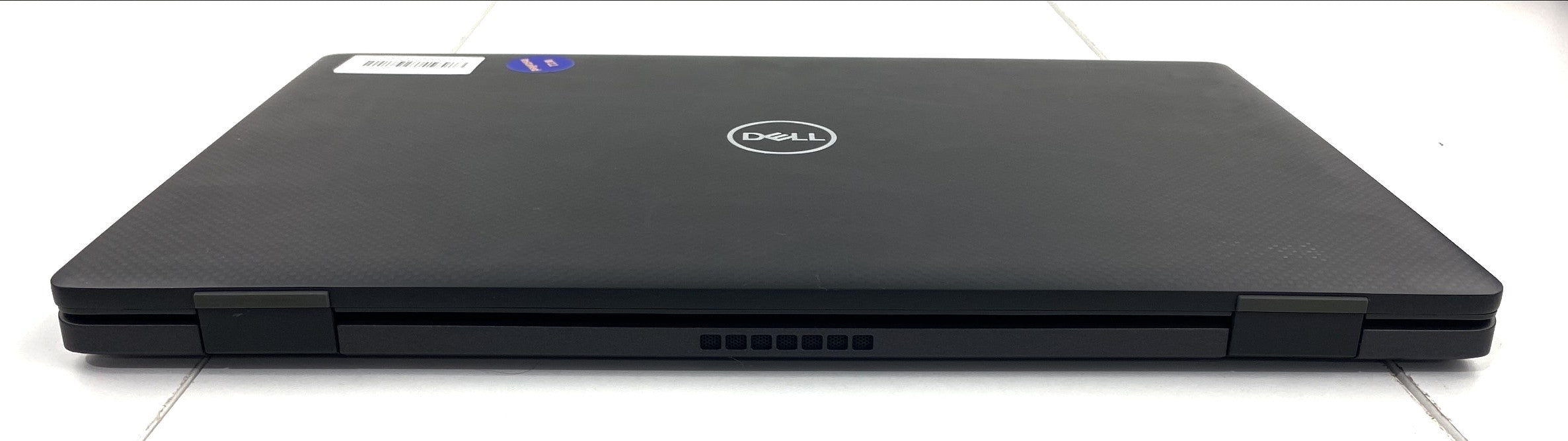
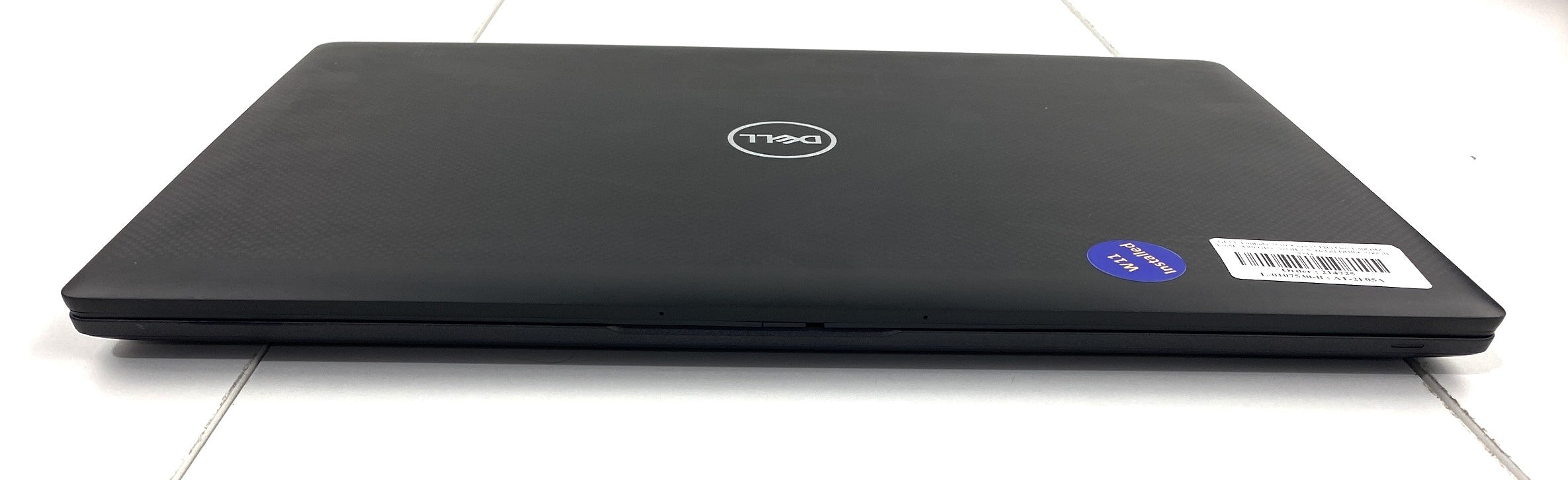
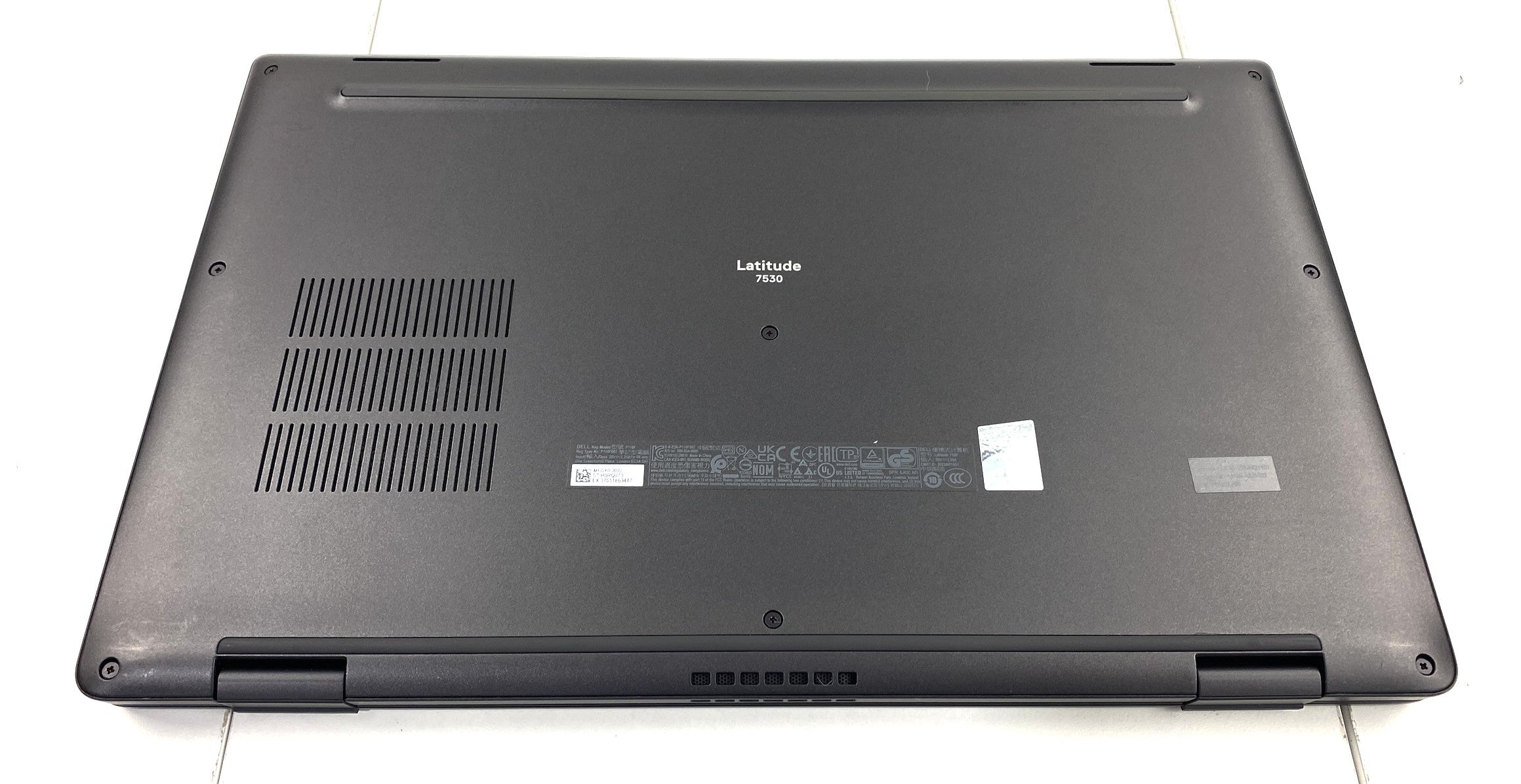
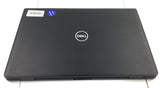
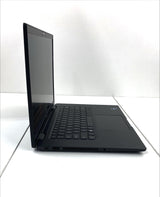
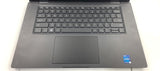


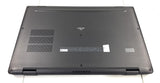
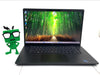
Ask about Dell Latitude 7530 15.6" Non-Touch Core i7-1265U 12th Gen 1.80GHz (4.80GHz Boost) 32GB RAM 250GB SSD Windows 11 Pro
This refurbished Dell Latitude 7530 laptop has been fully tested by our certified technicians and includes a licensed copy of Windows 11 Pro with all necessary drivers installed.
Cosmetic Condition — Grade B
This laptop may show small scratches or scuffs from normal use. These cosmetic marks do not affect its operation.
Specifications
- Manufacturer: Dell
- Model: Latitude 7530
- Screen: 15.6", non-touch
- Processor: Intel Core i7-1265U, 12th generation, 1.80GHz base, up to 4.80GHz boost
- Memory: 32GB DDR4 RAM
- Storage: 250GB SSD
- Operating System: Windows 11 Pro
Warranty and Support
Includes a 90-day warranty and 30 days of free technical support. Warranty service includes repair or replacement with a similar or better unit.
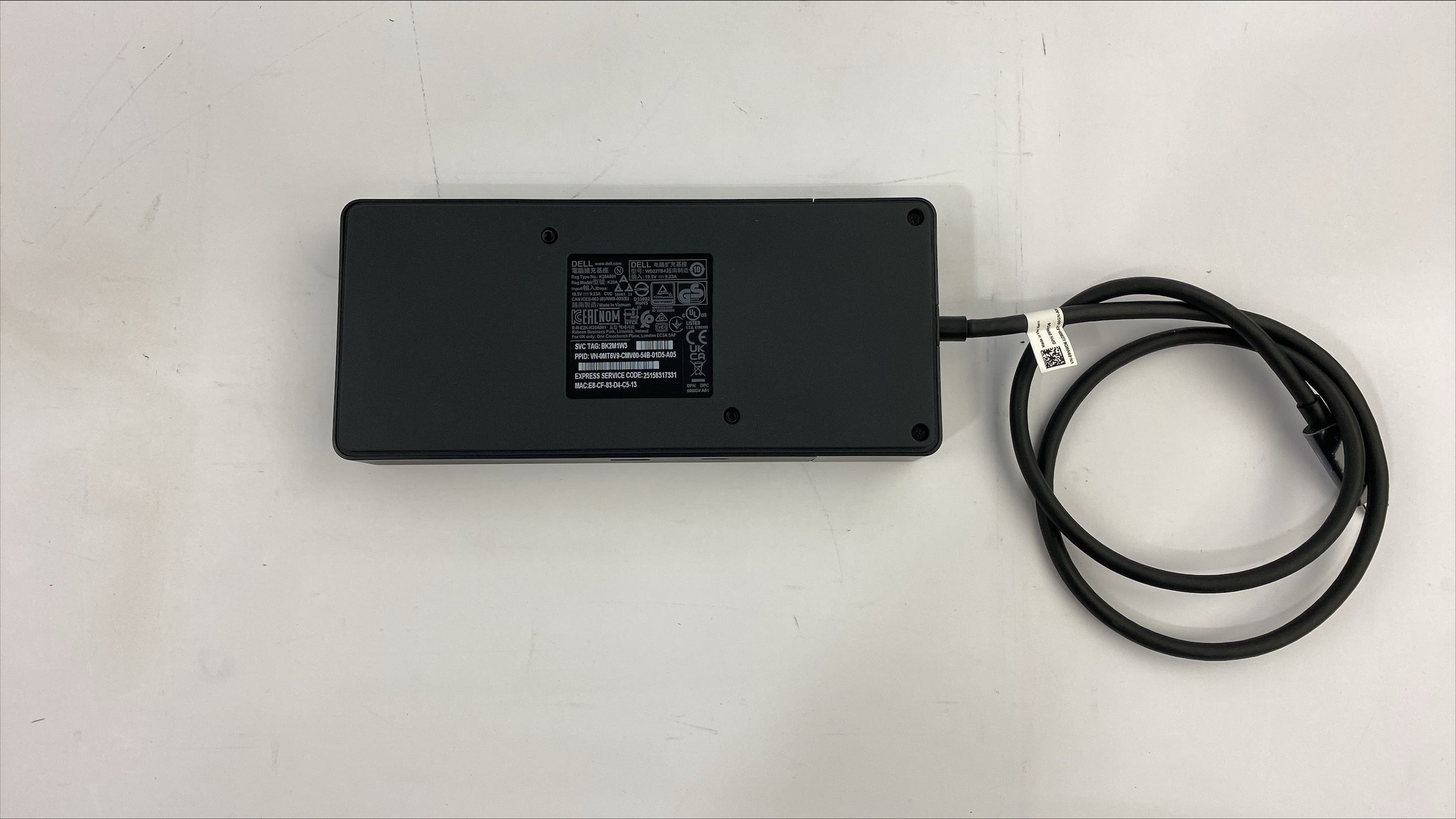
Photos, when provided, are representative of the model and may not show the exact unit you receive. For details or photos of a specific unit, please request specific inventory information.
DELIVERY
- Dispatch: Within 1-2 Business Days
- Free shipping across all products on a minimum purchase of $250.
- Easy 14 days returns and exchanges
RETURNS
If you do not like the product you can return it within 14 days - no questions asked. This excludes items like software and labor.
We have an easy and hassle free return policy. Please look at our Delivery & Returns section for further information.
- Use a cleaner and cloth that is rated safe for electronics. We use ammonia free Windex or a screen cleaner and a microfiber cloth!
- You can use a can of compressed air to dust out ports and keyboards but make sure to follow instructions on the product to avoid damage.
- Keep liquids and foods away from the computer. If liquid does end up on your device, power it down immediately and bring it in for our tech to look at.
- Do not use rice to dry a wet device. This can cause dust to enter your device and cause more issues. Instead, nestle the device in silica gel packets to draw liquid out.